

Your phone is always broadcasting your identity — and how to stop it
Best secure phone 2025
Best secure router 2025
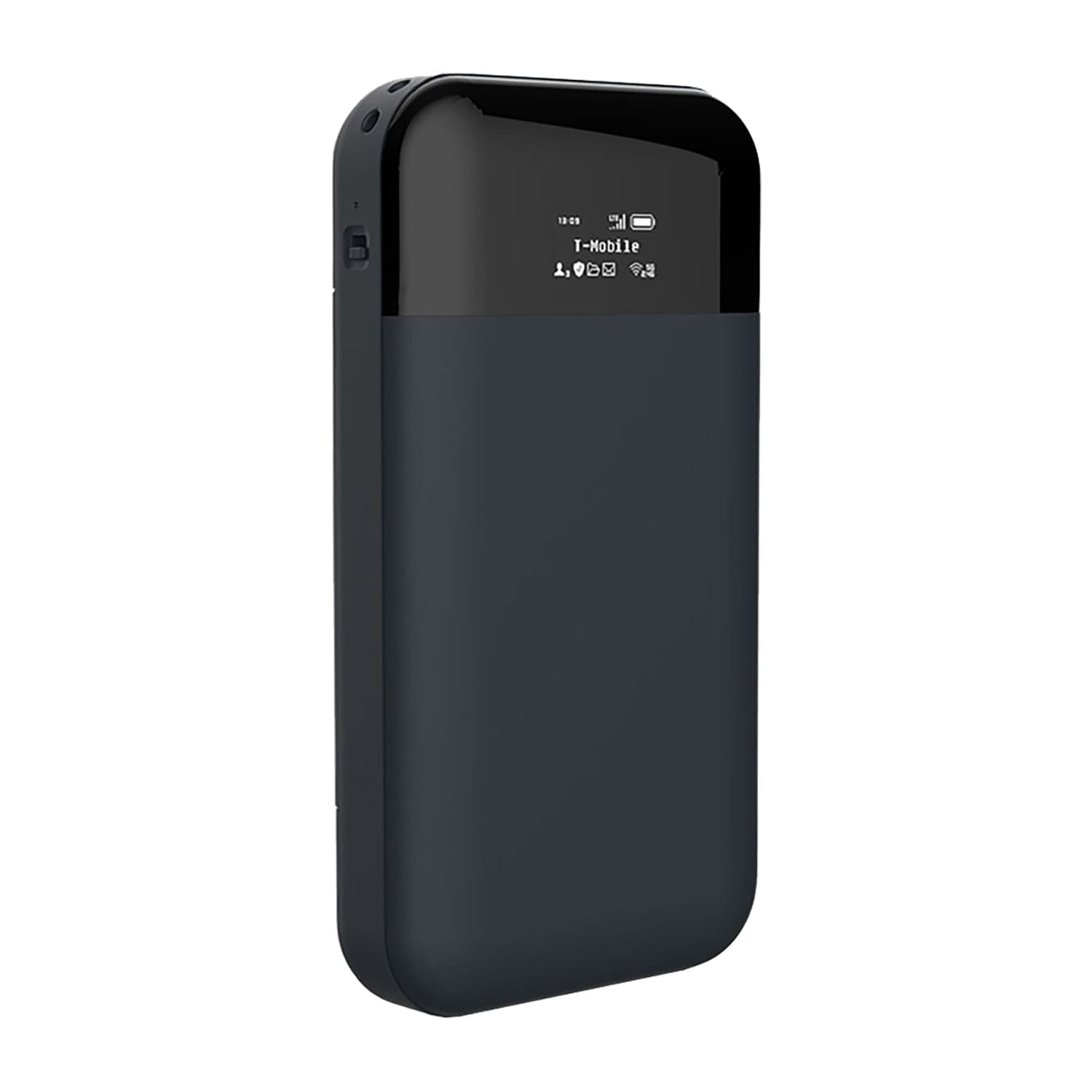
CryptHub V2 Portable 4G VPN Encrypted Router
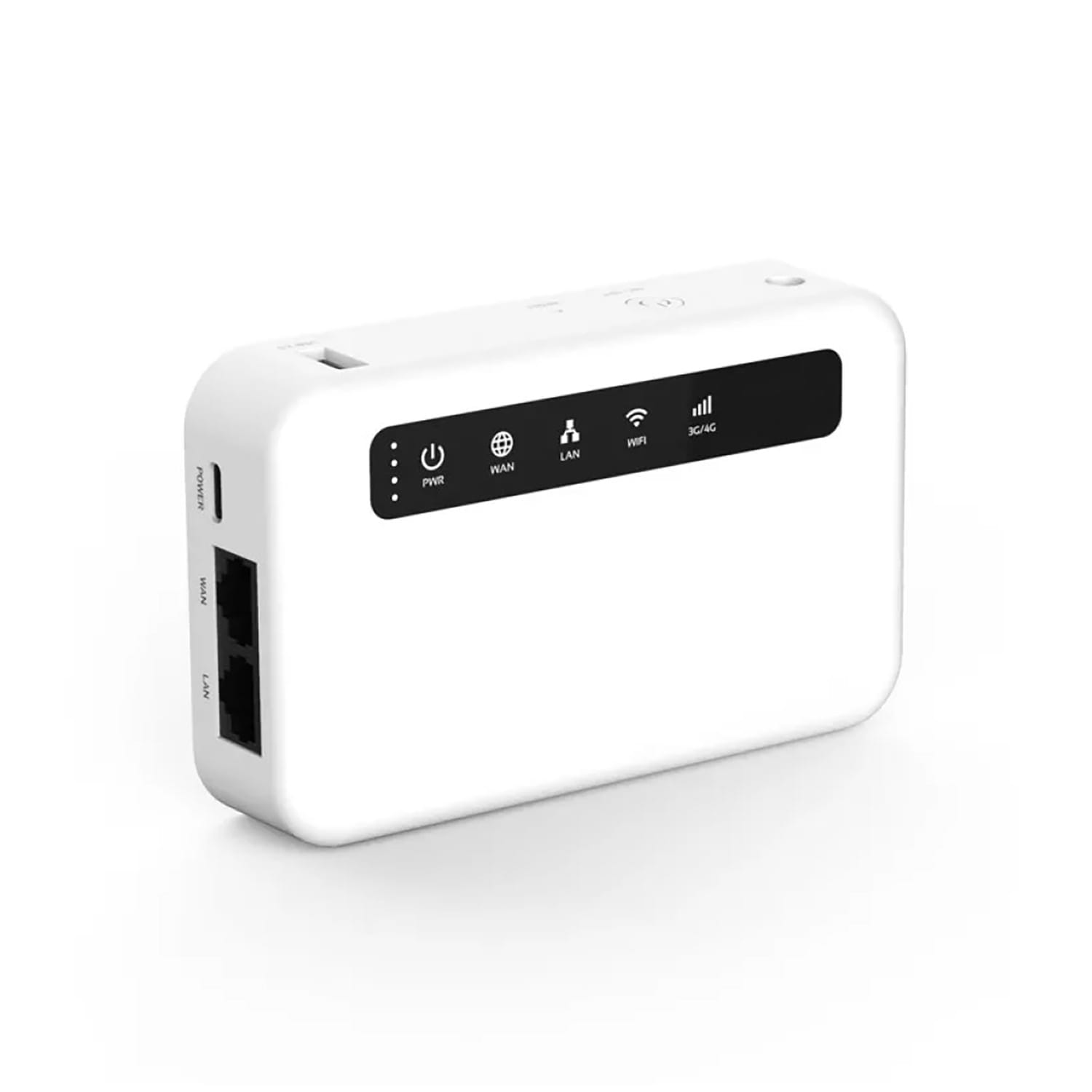
CryptHub V3 Portable 4G VPN Encrypted Router
Right now, your phone is broadcasting two unique codes to every cell tower within range. These codes identify exactly who you are, what device you’re carrying, and where you are — down to the street. No apps needed. No GPS needed. No internet needed. Your phone does this automatically, silently, every few seconds, even when you’re not using it.
These two codes are your IMEI and your IMSI. Together, they’re the most powerful tracking tools ever deployed — and they’re built into every phone on the planet.
This guide explains what these identifiers are, exactly how they track you, who has access to that data, and what you can realistically do to reduce your exposure.

What are IMEI and IMSI?
Your phone carries two permanent identifiers that work together to track you:
IMEI — International Mobile Equipment Identity
This is a 15-digit number hardcoded into your phone’s hardware during manufacturing. Think of it as your phone’s fingerprint. It can’t be changed (legally), and it stays the same no matter what SIM card you insert. Every time your phone touches a cell network, the IMEI is transmitted.
What it reveals:
- Exactly which physical device you’re using — make, model, serial number
- Your location history tied to that specific device
- Whether you’ve swapped SIM cards (the IMEI stays the same)
IMSI — International Mobile Subscriber Identity
This is a unique number stored on your SIM card. It identifies your subscription — your phone number, your carrier, your account. When your phone connects to a tower, it sends the IMSI to authenticate you on the network.
What it reveals:
- Which SIM card and phone number you’re using
- Who your carrier is
- If you’ve changed SIM cards
- Your identity as linked to that subscription
IMEI + IMSI together = complete identification. The IMEI tracks the device. The IMSI tracks the person. Combine them, and you have a permanent, real-time surveillance system that requires zero cooperation from the target.
How does cell tower tracking actually work?
Every time your phone connects to a cell tower — which happens every few seconds — it transmits your IMEI and IMSI in cleartext. Not encrypted. Not protected. Just broadcast openly for the network to read.
Cell towers keep detailed logs of every connection:
- Exact time of every connection and disconnection
- Your location triangulated between multiple towers (accurate to 50-100 metres in cities)
- Your device ID (IMEI) and your SIM ID (IMSI)
- Nearby phones — towers also log other devices connecting at the same time and place, mapping who you’re physically near
This builds a complete map of your movements, your routines, your associations, and your habits. Every day. Automatically. Without your knowledge or consent.
Who has access to this data?
- Your mobile carrier — They collect it, store it (for years in most countries), and share it when legally required (or sometimes when not)
- Intelligence agencies — In 14 Eyes countries, agencies like the NSA, GCHQ, and BND can access tower data through legal frameworks or direct taps on carrier infrastructure
- Law enforcement — Police routinely request cell tower dumps covering entire areas to identify everyone present at a specific time and place
- IMSI catchers — Fake cell towers (like Stingrays) that trick your phone into connecting and handing over your IMEI and IMSI directly to whoever operates the device
- Forensics teams — Historical tower data is regularly used in criminal investigations to reconstruct someone’s movements
None of this requires your permission. No notification appears. No app needs to be installed. Your phone does this by design — it’s how cellular networks work.
Why changing your SIM or phone isn't enough
People think they can escape tracking by swapping hardware. Here’s why that almost never works:
You change your SIM but keep the same phone?
Tracked via IMEI. The device is the same. Your new SIM connects to the same towers, at the same times, from the same locations. The IMEI ties your old identity to your new one instantly.
You change your phone but keep the same SIM?
Tracked via IMSI. Your subscription is the same. Your new device registers the same SIM, and the IMSI links everything together.
You change both phone and SIM?
If you keep the same habits — same home address, same workplace, same commute times, same contacts — pattern analysis links your new identity to the old one within days. Intelligence agencies call this “pattern of life” analysis, and it’s automated.
The only way to truly break the chain: New device, new SIM, new location patterns, new contacts — all at once. For most people, this isn’t realistic. Which is why reducing what’s broadcast in the first place matters more than trying to outrun it after the fact.
How your SIM card actually works

Understanding SIM Card functions
✓ Vcc – Provides power to the SIM card (1.8V / 3V / 5V)
✓ Reset – Restarts or initializes the SIM card
✓ Clock – Sends timing signals for communication
✓ Ground (GND) – Common reference point
✓ Vpp – Used in older SIMs for programming; not common now
✓ I/O – Manages data exchange between the phone and SIM
✓ Optional USB Pads – Found in some advanced SIM cards for USB connections
These pins enable secure communication, network access, and storage of mobile identity.
Why 2G makes everything worse
On 2G (GSM) networks, your IMEI and IMSI are transmitted with little to no encryption. The network doesn’t authenticate itself to your phone — meaning any device that says “I’m a cell tower” gets trusted automatically. This is exactly what IMSI catchers exploit.
Even if you have a modern phone with 5G support, it can silently fall back to 2G when signal is weak. On your screen, you’ll see “E” (EDGE) or “G” (GPRS) instead of 4G or 5G. When that happens, your IMEI and IMSI are being broadcast with almost zero protection.
Many carriers still maintain 2G infrastructure for IoT devices, legacy equipment, and rural coverage. Your phone will happily connect to it unless you explicitly tell it not to.
Disable 2G now: On GrapheneOS or stock Android (Pixel 6+), go to Settings → Network & internet → SIMs → Allow 2G → turn it off. This is the single most impactful thing you can do to reduce your exposure to IMSI catchers and unencrypted tracking.
How to reduce your tracking — step by step
You can’t eliminate IMEI/IMSI tracking entirely — it’s baked into how cellular networks work. But you can dramatically reduce your exposure. Here’s how:
Step 1: Disable 2G on your phone
This stops your phone from connecting to the most vulnerable network type. On GrapheneOS or Pixel phones: Settings → Network → SIMs → Allow 2G → off. If your phone doesn’t offer this option, it’s a reason to switch.
Step 2: Switch to GrapheneOS
Stock Android constantly reports your IMEI, location, and network activity to Google. GrapheneOS removes all Google telemetry, gives you per-app network controls, and lets you disable sensors and radios individually. It’s the most effective way to reduce what your phone broadcasts.
Step 3: Use a portable privacy router instead of your SIM for data
Instead of using your SIM card for internet, route all data through a CryptHub portable router with VPN encryption. Your phone connects via Wi-Fi — no cellular data, no tower logs for your browsing activity. The SIM in the router can be a prepaid one, further separating your identity from your internet activity.
Step 4: Use airplane mode in sensitive situations
When you don’t need connectivity — meetings, protests, travel through high-surveillance areas — turn on airplane mode. Your phone can’t broadcast IMEI/IMSI if the radio is off. Use Wi-Fi through a VPN if you still need internet access.
Step 5: Use a Faraday bag when you need to disappear
A Faraday bag blocks all signals — cellular, Wi-Fi, Bluetooth, GPS. When your phone is inside, it’s completely invisible. No IMEI broadcast, no IMSI transmission, no location tracking. Period.
Step 6: Use encrypted messaging instead of calls and SMS
Regular calls and SMS are tied to your IMSI and logged by your carrier. Switch to Signal or Molly for voice and messaging. For maximum metadata protection, use Session or SimpleX — they don’t require a phone number at all.
Step 7: Use an always-on VPN
Configure Mullvad or IVPN as always-on with kill switch. This encrypts all data leaving your device, so even if tower logs show your IMEI connected, the content of your traffic is invisible.
Step 8: Be aware of pattern-of-life tracking
Changing devices and SIMs only works if you also change your patterns. If you carry a new phone to the same home, same office, same gym, at the same times — algorithms will link the new identity to the old one. For high-risk situations, this matters. For everyday privacy, focus on reducing what’s broadcast rather than trying to be invisible.
Step 9: Don’t register SIMs with real ID if possible
In many countries, prepaid SIMs can still be purchased without ID verification. Where legal, use prepaid SIMs purchased with cash for devices you want to keep separate from your main identity. Be aware that SIM registration laws are expanding across Europe.
Step 10: Layer your defences
No single step solves everything. The combination of GrapheneOS + disabled 2G + portable VPN router + encrypted messaging + Faraday bag for sensitive moments gives you a level of protection that makes passive tracking extremely difficult. Each layer closes gaps the others leave open.
CryptHub V2 Portable 4G VPN Encrypted Router
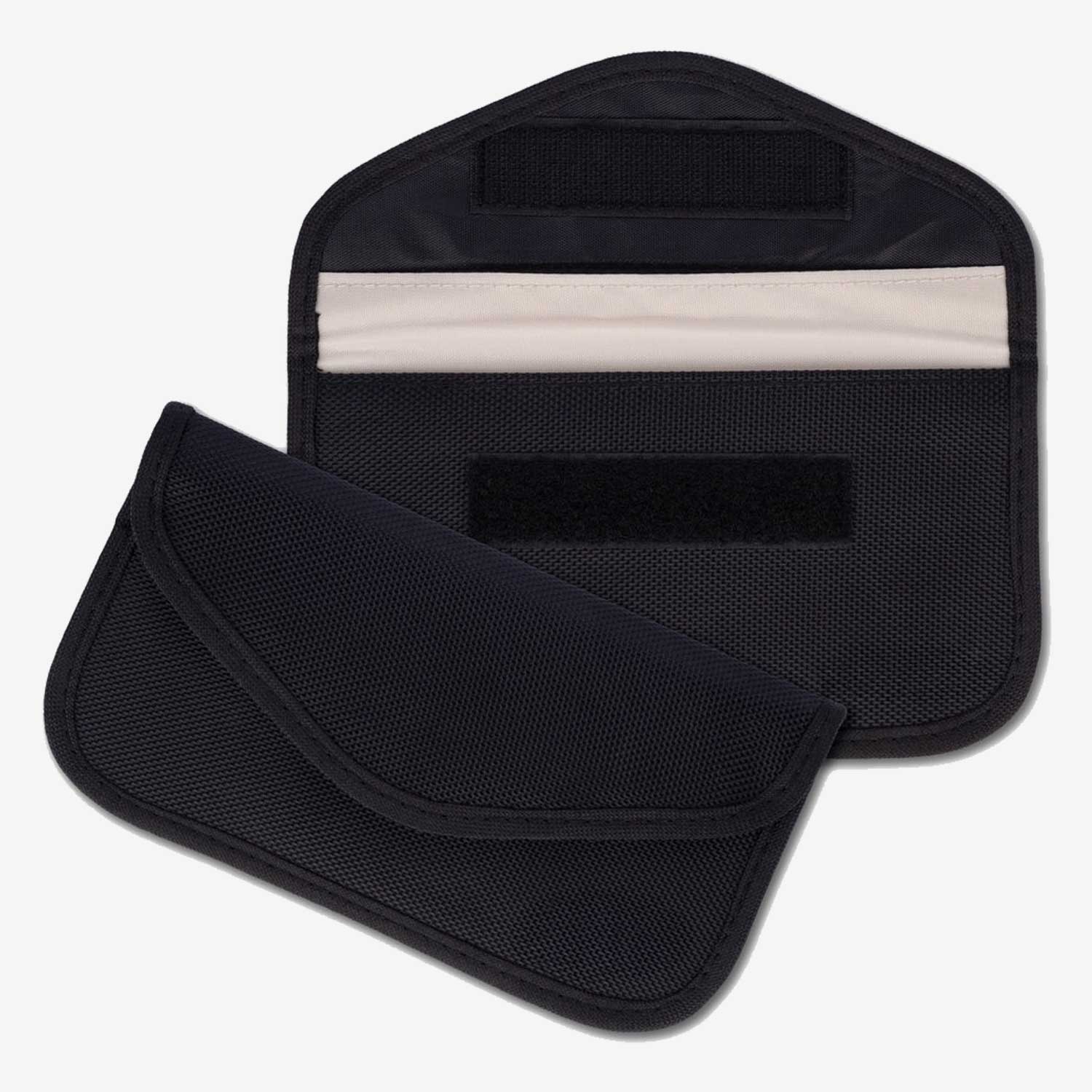
Phone Faraday Pouch — Signal Blocking
Frequently asked questions
Can I change my IMEI number?
Changing your IMEI is illegal in most countries and technically difficult on modern devices with secure hardware enclaves. Even if changed, the new IMEI can be linked to your identity through pattern-of-life analysis if your habits remain the same. The more effective approach is reducing what your phone broadcasts — disable 2G, use airplane mode when possible, route data through a VPN router instead of cellular, and use a Faraday bag when you need to be invisible.
Does turning off my phone stop IMEI/IMSI tracking?
Fully powering off your phone stops active broadcasting — but with caveats. Some phones have been shown to maintain low-level baseband activity even when “off.” The only guaranteed way to stop all radio transmission is removing the battery (impossible on most modern phones) or placing the device in a Faraday bag. Airplane mode disables the cellular radio but some phones still emit Wi-Fi and Bluetooth probe requests unless those are also manually disabled.
Does a VPN hide my IMEI and IMSI?
No. A VPN encrypts your internet traffic, but IMEI and IMSI are transmitted at the cellular network level — below the VPN layer. Your carrier and cell towers still see your device identifiers regardless of whether you’re using a VPN. A VPN protects the content of your data traffic; it does not hide your identity from the cellular network. To reduce IMEI/IMSI exposure, you need to minimise cellular connections — use Wi-Fi through a privacy router, airplane mode, or a Faraday bag.
Your phone is a tracking device — treat it like one
Your phone was designed to be trackable. IMEI and IMSI aren’t bugs or vulnerabilities — they’re features of how cellular networks work. Every phone has them. Every carrier logs them. Every intelligence agency can access them.
You can’t remove these identifiers. But you can control how much they reveal about you. Disable 2G, switch to GrapheneOS, use a portable privacy router for data, encrypt your messaging, and carry a Faraday bag for moments when you need to go dark.
Privacy isn’t about having something to hide. It’s about having control over what you share and with whom. Right now, your phone is sharing everything with everyone. That’s not security — that’s surveillance.
Take control of what your phone broadcasts. Start with the steps above.