

Your Phone. Your Rules.
Your Cryptvice.
The only Google Pixel pre-installed with GrapheneOS — hardened, configured, and ready to protect you from day one. No tracking. No backdoors. No compromises.

Privacy matters more than most phones allow
We help keep your data safe by reducing unnecessary connections and giving you full control over network access. Your data is yours alone. No one else should access it. We keep your data safe by disabling any connections.
Easy in use with more freedom
The device works without mandatory cloud services. You decide which services and connections are used, giving you more control over your data.
Custom installed and configured
We take care of setup and configuration. We ensure your phone is set up just how you want it.
“ Arguing that you don't care about the right to privacy because you have nothing to hide is no different than saying you don't care about free speech because you have nothing to say. ”
— Edward Snowden
PRIVATE AND SECURE OS THAT WE INSTALL
Get to know GrapheneOS the OS Edward Snowden runs on his own phone.
GrapheneOS is a security-hardened Android operating system built It’s a hardened version of Android that strips out Google’s surveillance layer and gives you back control of every connection your device makes.
Unlike stock Android, which is designed around constant cloud connectivity, GrapheneOS is designed to limit background communication, reduce attack surface, and give the user control back.
It is still Android.
Your apps still work.
Your phone still works.
Open-source code allows independent security researchers to audit and continuously review the implementation.
Used by: investigative journalists, security researchers, members of national parliaments, executives at human rights NGOs
Why your current phone leaks data
A standard Android or iOS device does not wait for you to open an app.
In a typical configuration, a smartphone can generate dozens of background network requests per hour — even when the screen is off.
That means hundreds of outbound connections per day for:
- telemetry
- synchronization
- diagnostics
- location services
- push services
- behavioral profiling
Most of this happens without user visibility.
Most users never see it.
Most users never stop it.
Every background connection is a data exit point.
Every exit point increases:
- exposure
- metadata leakage
- long-term profiling
- attack surface
This is not a bug.
It is by design.
Who uses GrapheneOS — and why they switch
Hundreds of thousands of users worldwide have already switched to GrapheneOS to reduce background telemetry and regain control over their device.
People switch when they realize that a phone sending constant background traffic is not “normal” — it is intentional, and it happens even when the device is idle.
Journalists, executives, developers, researchers, and everyday users switch when they understand one thing:
Privacy loss is not a single event.
It is cumulative.
Switching is not about hiding.
It is about reducing exposure.
What changes after installation
After GrapheneOS is installed and configured:
- The device no longer maintains constant background communication by default
- Network activity becomes app-specific and permission-controlled
- System-level data flow is reduced dramatically
- Connections happen because you initiate them, not because the OS demands them
This is not achieved with “privacy apps”.
This is operating-system-level control.
How we remove unnecessary Google services
Removing unnecessary Google services does not break the phone. It removes forced system-level connectivity.
On stock Android, Google Play Services and related components run with privileged system access, allowing persistent background communication that the user cannot fully control.
We install GrapheneOS without proprietary Google services by default.
This immediately:
- removes system-mandated telemetry
- stops forced background communication
- eliminates privileged Google services at the OS level
Apps still work.
Android still works.
What changes is who decides when the phone talks.
How we prepare your device
Every device starts as a factory-new, verified Google Pixel.
We:
- replace the operating system with GrapheneOS
- validate the installation
- apply hardened default settings
- restrict unnecessary background services
- limit system-level permissions
No reused devices.
No refurbished hardware.
No stock Android with patches layered on top.
This is a clean install, not a cosmetic fix.
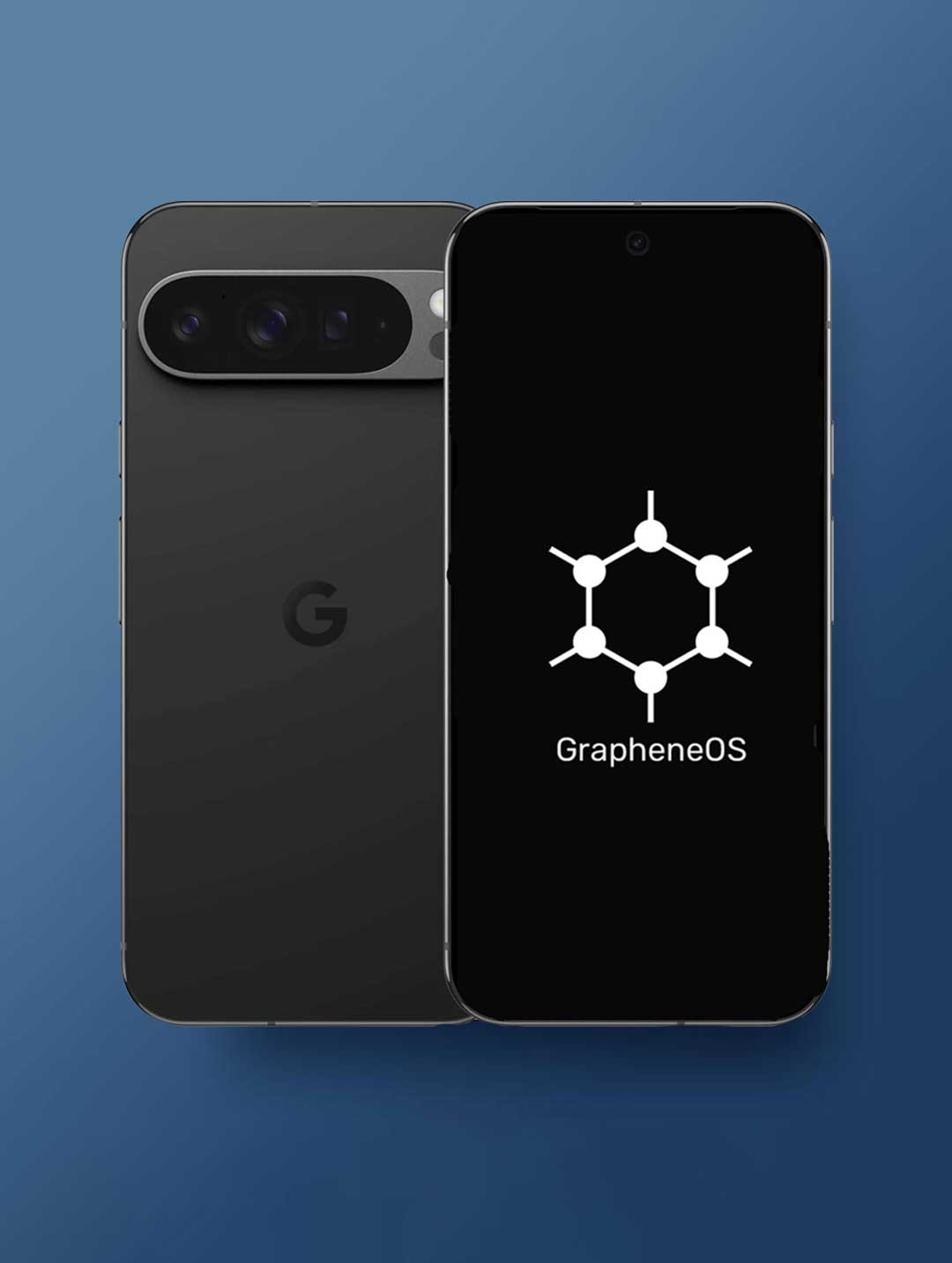
FULL CONTROL
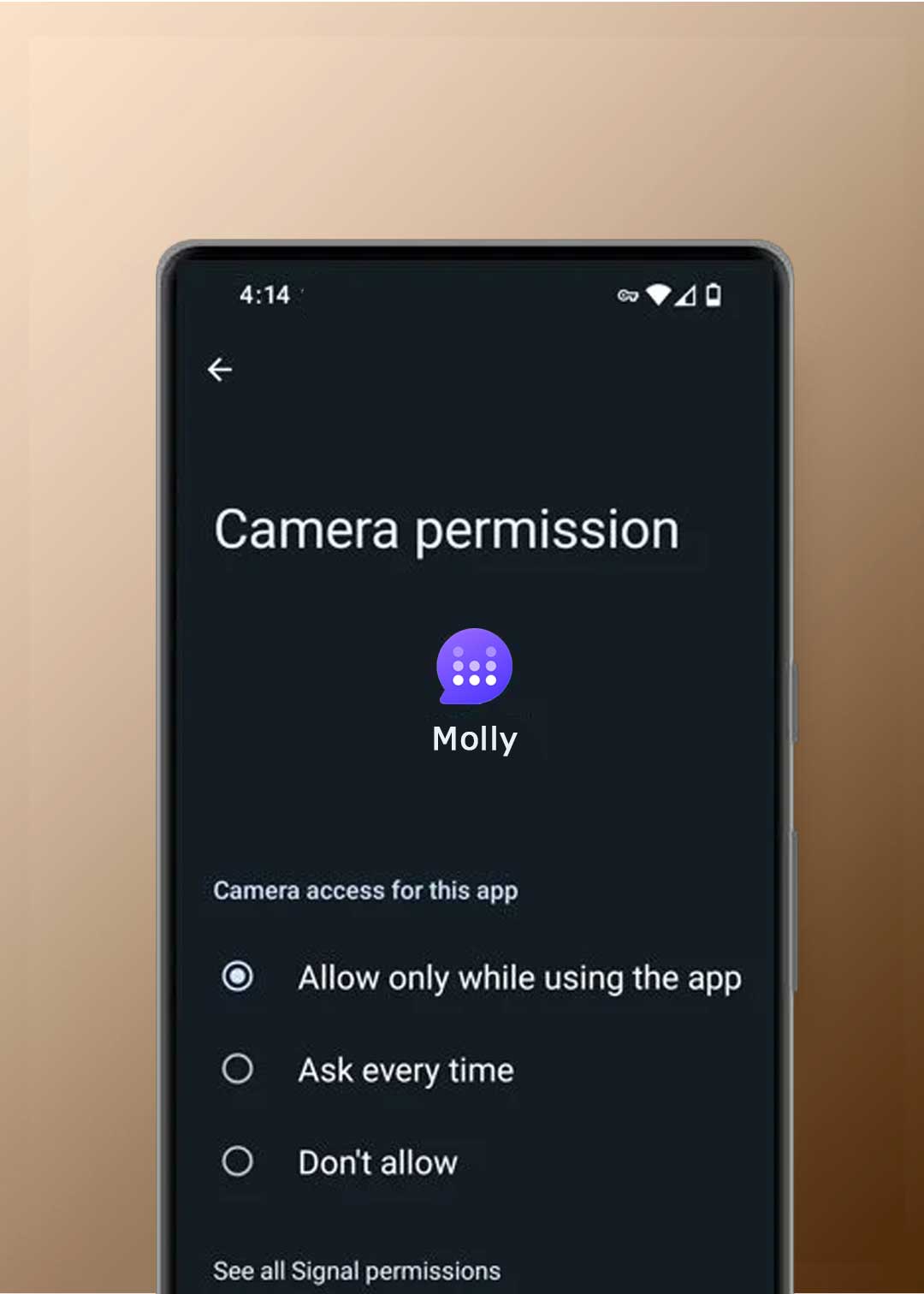
App-level permissions. System-level enforcement.
GrapheneOS is built around strict permission isolation.
Apps do not get access by default — they must be explicitly allowed.
Unlike stock Android, GrapheneOS enforces fine-grained control over what each app can access, including:
- Camera
- Microphone
- Location
- Storage
- Contacts
- Network access (per app)
If an app does not need access, it does not get it.
What this changes in practice
A standard Android or iOS device does not wait for you to open an app.
In a typical configuration, a smartphone can generate dozens of background network requests per hour — even when the screen is off.
That means hundreds of outbound connections per day for:
- telemetry
- synchronization
- diagnostics
- location services
- push services
- behavioral profiling
Most of this happens without user visibility.
Most users never see it.
Most users never stop it.
Every background connection is a data exit point.
Every exit point increases:
- exposure
- metadata leakage
- long-term profiling
- attack surface
This is not a bug.
It is by design.
How Cryptvice configures permissions
Every Cryptvice GrapheneOS device is pre-configured with aggressive permission defaults.
We:
- remove unnecessary permissions from pre-installed apps
- disable network access where it is not required
- restrict sensors, storage, and background access
- ensure apps only access what they explicitly need
Example:
A notes app does not need:
- camera
- microphone
- sensors
- background network access
On our devices, it gets none of them — by default.
Your notes stay on your device unless you choose otherwise.
CONFIGURATION
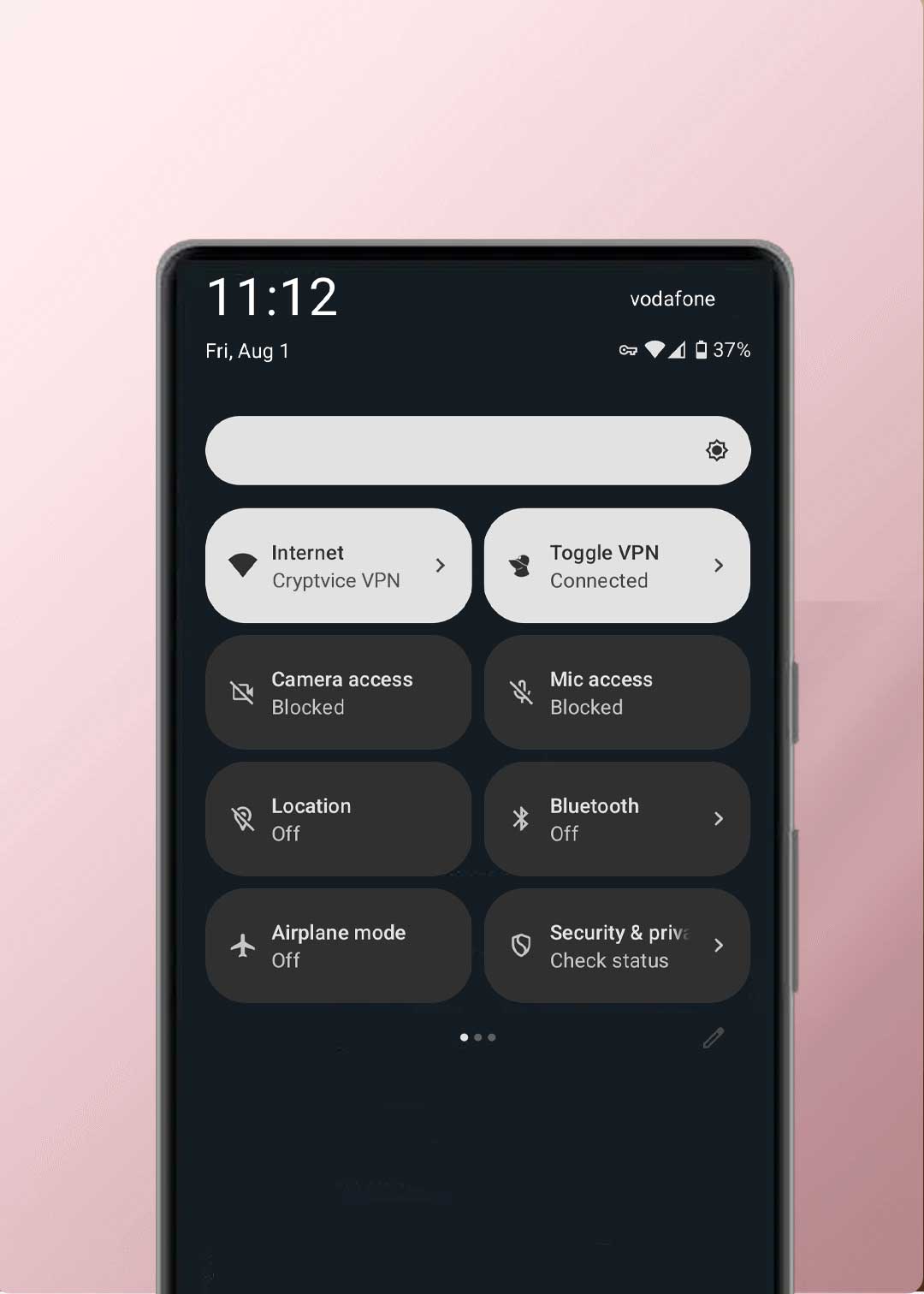
System-level controls. No silent access.
GrapheneOS enforces global, system-level privacy controls that allow you to shut down entire classes of access instantly — without relying on individual apps to behave.
This is not permission theater.
This is operating-system enforcement.
What you can disable instantly
With GrapheneOS, you can globally disable:
- camera access
- microphone access
- sensor access
- location services
- background network access (per app)
When a global toggle is off, no app can bypass it.
Not in the background.
Not accidentally.
Not “by design”.
Why this matters
Most phones rely on app-level permissions, which assume the operating system is trustworthy and the app behaves correctly.
GrapheneOS does not assume that.
It enforces privacy above the app layer, at the system level.
If access is disabled, it stays disabled.
STRONGER HARDWARE SECURITY
Why we use Google Pixel for GrapheneOS.
GrapheneOS relies on hardware-enforced security features that most Android devices simply do not provide.
Google Pixel devices are chosen because they support full verified boot with hardware-backed attestation, even when running a custom operating system like GrapheneOS.
This means the device can cryptographically verify that:
- The bootloader is locked
- The operating system has not been modified
- The firmware and OS match known, trusted states
If anything is altered, the device refuses to boot.
Verified boot and locked bootloader
On supported Pixel devices, GrapheneOS runs with:
- verified boot enabled
- bootloader locked after installation
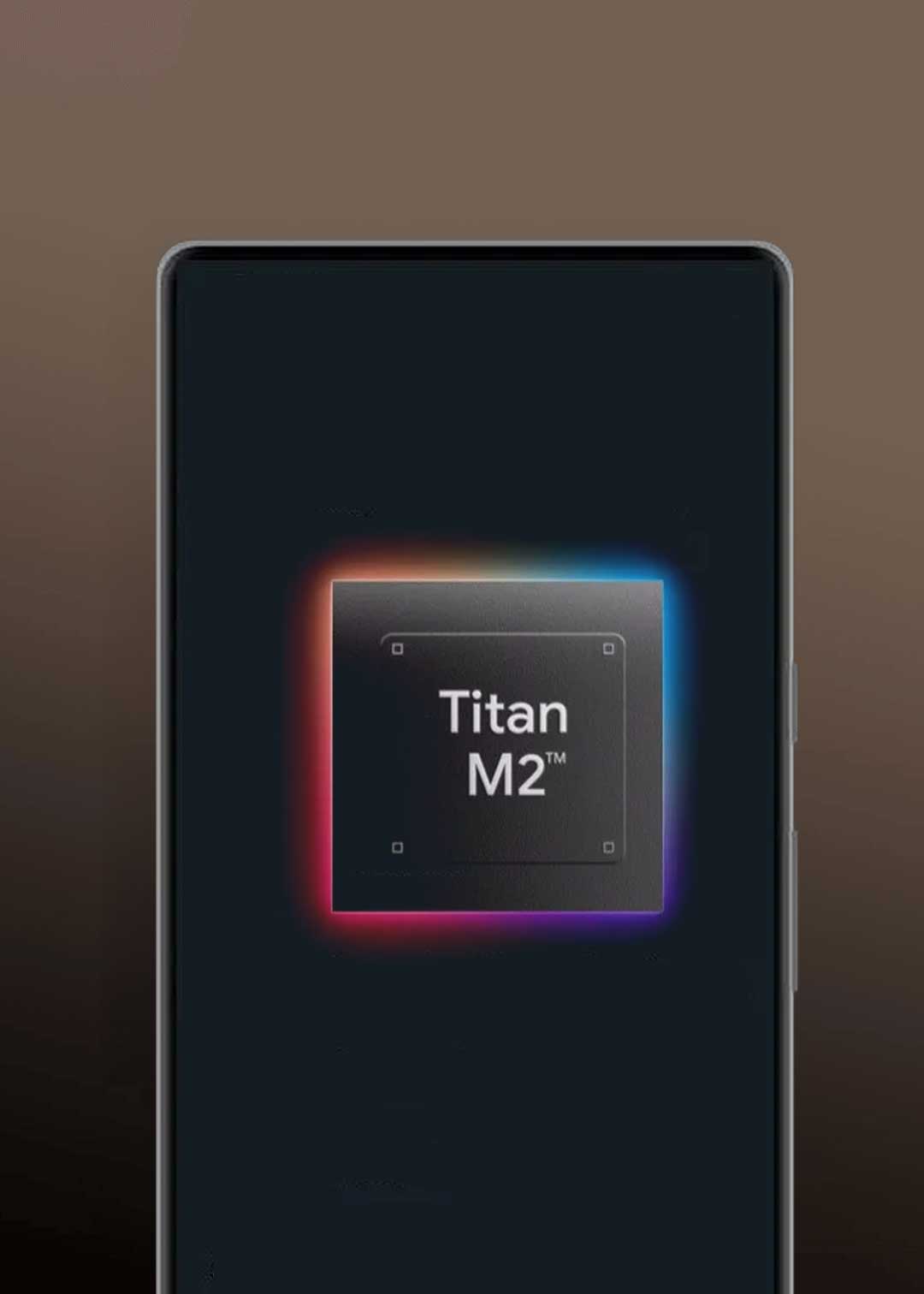
- hardware-backed verification via the Titan security chip
This prevents:
- silent OS tampering
- persistent malware at the firmware level
- undetected modification of the operating system
You don’t have to “trust” that the phone is clean.
The hardware verifies it on every boot.
Why this matters
Many devices allow custom ROMs, but:
- disable verified boot
- require an unlocked bootloader
- lose hardware-level trust guarantees
That breaks the security model.
Pixel devices do not.
GrapheneOS on Pixel preserves the same trust chain expected from a secure, locked device — while removing unnecessary proprietary services.
How verification works in practice
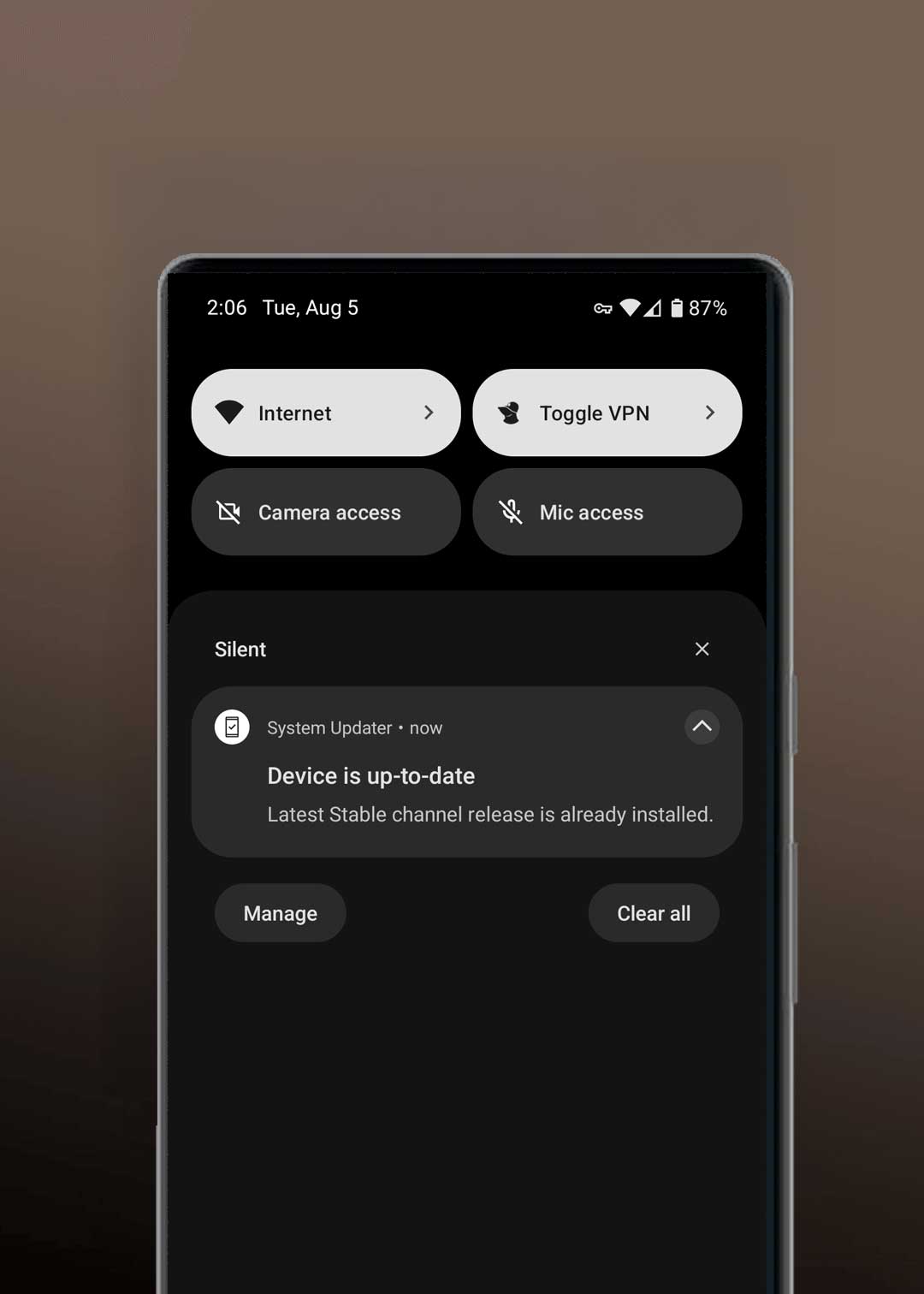
Each GrapheneOS Pixel device exposes a verified boot state that can be checked directly on the phone.
If the operating system is altered:
- the verification fails
- the device warns immediately
- trust is broken
This is not a software promise.
It is hardware-enforced.
PRIVATE APPS INSTALLATION
Private by default. Controlled by design.
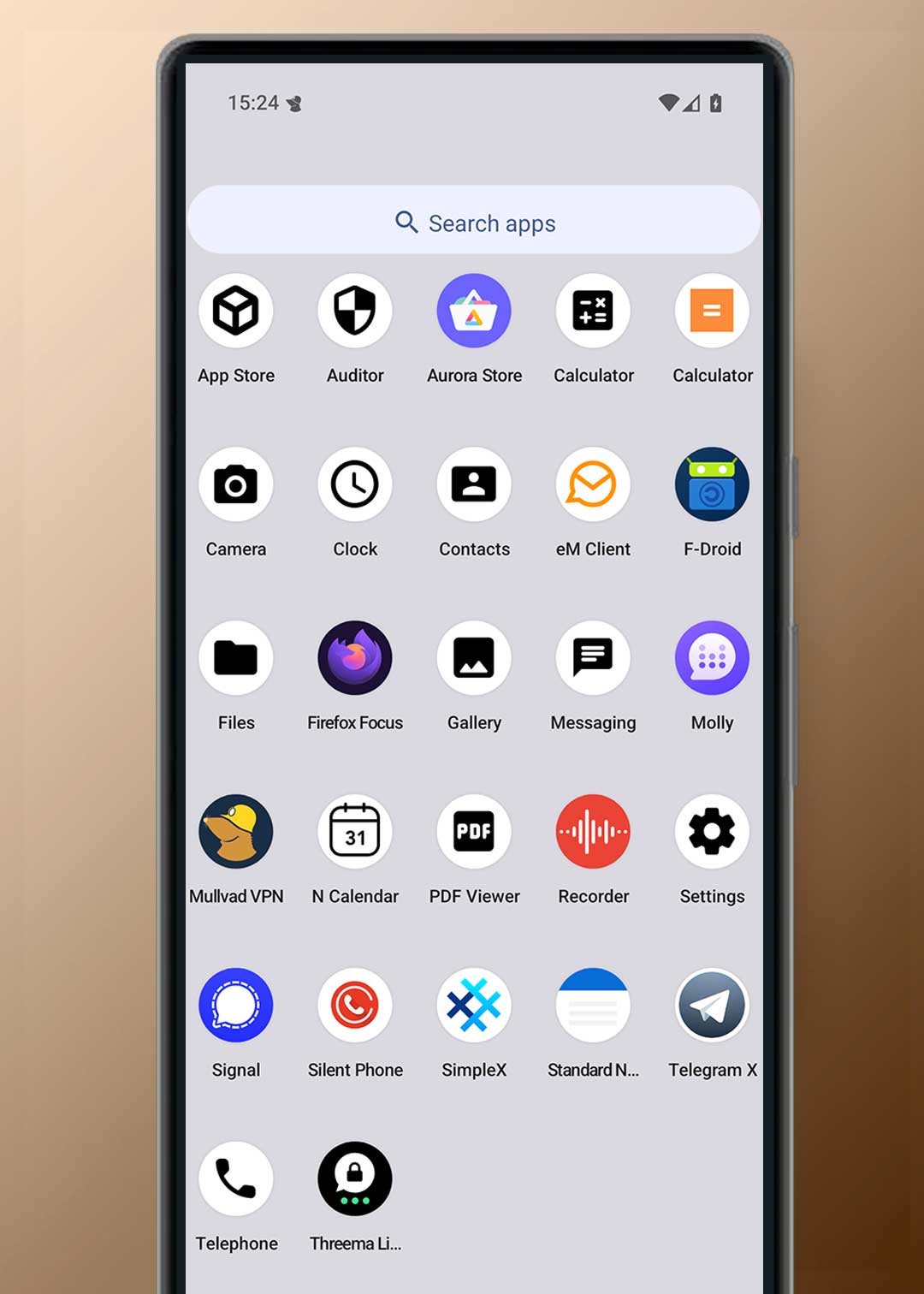
Your device is delivered ready to use, with essential apps installed and configured to minimize background access, reduce permissions, and limit unnecessary network activity.
Apps are treated as untrusted by default.
They only get access when required — and only for as long as needed.
App sources
We configure secure app sources so you can install and update apps without relying on mandatory Google services.
- F-Droid for open-source applications
- Aurora Store for accessing Play Store apps without privileged Google services
You can browse, install, and update apps normally — without granting system-level access.
We can install and configure additional apps on request and adjust permissions to ensure they work without expanding exposure unnecessarily.
If an app requires elevated access, you are informed before it is granted.
Pre-installed and configured essentials
We install a minimal, practical set of apps required for daily use and configure them with strict permission defaults.
Core functions
- Phone, SMS, Contacts
- Clock, Calculator, File Manager
- Camera & Gallery (offline by default)
Privacy tools
- Secure browser (hardened configuration)
- Secure notes (password-protected, screenshots disabled)
- VPN support (configured on request)
Each app is reviewed for:
- permission scope
- background behavior
- network access
Nothing is installed “just in case”.
Messaging apps (configured securely)
Messaging apps are installed only when requested and configured to reduce metadata exposure.
Options include:
- Signal
- Molly
- SimpleX
- Threema
- Telegram (privacy-hardened configuration)
Configuration includes:
- restricted permissions
- disabled auto-downloads
- limited background access
- local data protection
No app receives full access by default.
Email and communication
Privacy-focused email clients can be installed and configured with:
- encryption support
- restricted background sync
- controlled network behavior
You decide whether email syncs continuously or only on demand.
Device protection if lost
We do not rely on third-party “remote wipe” apps.
Instead, the device is secured at the system level:
- automatic reboot after inactivity
- full disk encryption
- app access locked after reboot
- USB-C restricted to charging-only
- duress password support
If the device is lost, access becomes increasingly difficult without your credentials.
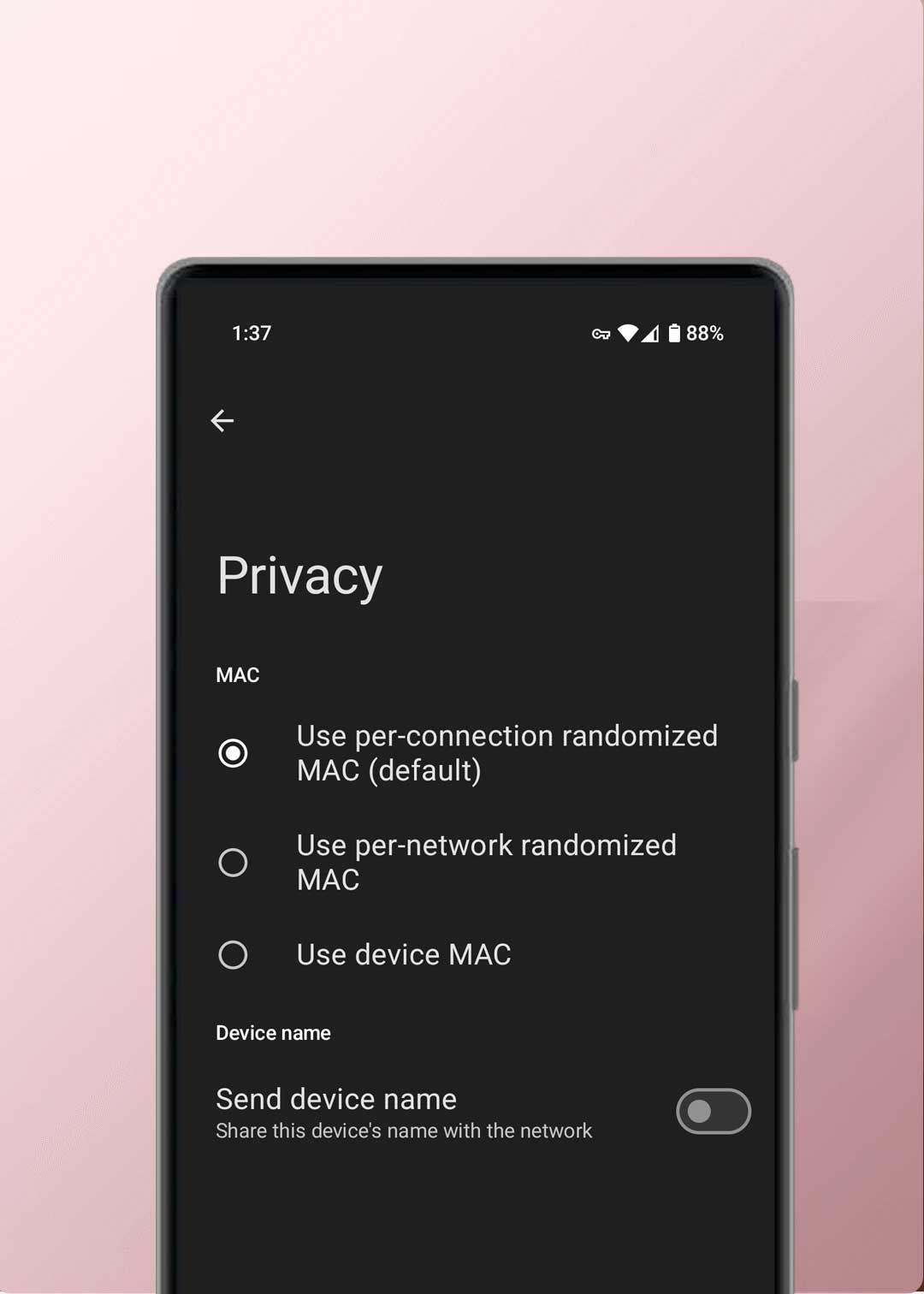
MAC RANDOMIZATION AND WIRELESS TRACKING
Tracking protection. Reduced visibility in public.
Wireless radios broadcast identifiers constantly unless controlled.
Every time Wi-Fi or Bluetooth is enabled, a device can:
- Scan for nearby networks
- Announce its presence
- Exchange identifiers at the network layer
This creates a passive tracking surface, even if you never connect.
How tracking actually works
On most phones, WiFi and Bluetooth remain enabled by default.
That means:
- background scanning continues
- identifiers are exchanged repeatedly
- presence can be correlated across locations
This does not require apps.
It does not require user interaction.
It happens at the system level.
What GrapheneOS does differently
GrapheneOS enforces strong MAC address randomization at the operating system level.
- MAC addresses are randomized per connection
- Identifiers change between networks
- Persistent hardware identifiers are not exposed to networks
This makes passive correlation across public networks significantly harder.
Public networks are the risk surface
Public WiFi environments (cafes, airports, hotels, offices) rely on:
- device discovery
- repeated scanning
- network-layer identifiers
Without randomization, the same device can be recognized repeatedly.
With GrapheneOS, that link is broken by design.
How Cryptvice configures wireless behavior
Cryptvice devices are delivered with privacy-focused wireless defaults, including:
- MAC randomization enabled
- restricted background scanning
- reduced unnecessary radio activity
- optional automation to disable radios when not in use
Wireless connectivity is treated as an exposure vector, not a convenience feature.
THE DIFFERENCES
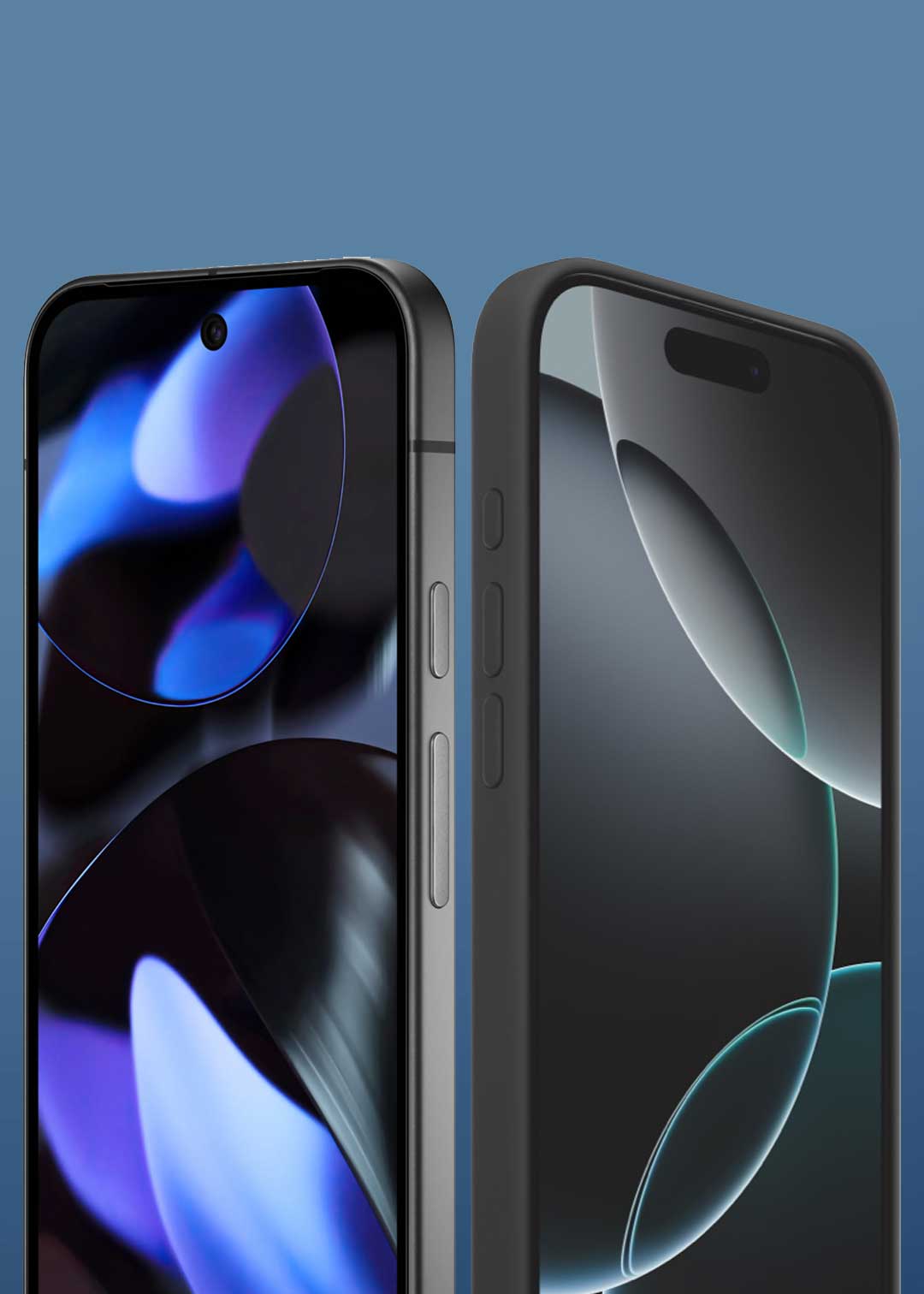
GrapheneOS vs iPhone.
Apple devices do not allow replacing the operating system.
This is not a preference.
It is a platform constraint.
On iPhone:
- The operating system cannot be replaced
- System services cannot be removed
- Cloud-dependent components remain mandatory
- Background connectivity is built into the platform
Users can adjust settings —
they cannot change who controls the system.
Why this matters
On a locked platform, privacy depends on trusting the vendor.
You cannot:
- remove system-level services
- audit the operating system implementation
- enforce OS-level permission isolation beyond what the platform allows
Control is delegated, not owned.
What GrapheneOS changes
GrapheneOS replaces the operating system entirely.
This allows:
- removal of mandatory proprietary services
- elimination of system-level cloud dependencies
- enforcement of permissions at the OS layer
- independent review of the codebase
You are no longer negotiating privacy with the vendor.
You control the system.
SECURITY UPDATES AND EXPLOIT RESISTANCE
Designed to resist real attacks — not just patch them.
Most mobile compromises don’t happen because users install malware.
They happen because memory corruption vulnerabilities are exploited at the system level.
That is where GrapheneOS focuses.
Why exploit resistance matters
On most mobile operating systems, a single successful exploit can:
- gain persistent access
- bypass app permissions
- survive reboots
GrapheneOS is designed to make exploitation significantly harder, even when vulnerabilities exist.
This shifts attacks from “easy” to expensive, unreliable, and noisy.
Advanced memory protection
GrapheneOS includes multiple layers of hardened memory protections, including:
- stronger heap and stack protections
- improved address space randomizationhardened allocators
- exploit mitigation techniques beyond stock Android
These do not eliminate vulnerabilities.
They break exploit reliability.
That is the difference between:
- a theoretical bug
- and a real-world compromise
Pixel hardware makes this possible
Google Pixel devices are used because they provide:
- fast, direct security updates
- long-term update guarantees
- hardware-backed security features
- tight integration between firmware and OS security
Pixel 8 and Pixel 9 devices receive at least 7 years of security updates from release.
That matters more than feature lists.
Exploit resistance
Targets the most exploited attack paths on mobile.
-
✓Hardened memory protections Most real-world mobile exploits start with memory corruption. Hardening breaks reliability.
-
✓Execute-only memory (XOM) Prevents attackers from reading executable memory during exploitation.
-
✓Hardened kernel & system components Raises the cost of privilege escalation from a single bug.
-
✓Reinforced app sandboxing One compromised app doesn’t mean full device compromise.
Permissions & sensors
System controls apps can’t override.
-
✓Global camera & microphone toggles If disabled, apps cannot access sensors — background or foreground.
-
✓Per-app network access controls Block apps from phoning home when network access isn’t required.
-
✓Storage Scopes (granular access) Apps only see files you explicitly grant — not full storage.
-
✓Minimal permissions by default Apps start blocked. Access is granted only when necessary.
Tracking resistance
Reduce passive identification across networks.
-
✓MAC randomization for Wi-Fi Prevents correlation of your device across public networks.
-
✓Hardened WebView surface Most phishing and drive-by attacks happen inside WebView.
-
✓Sensor permission enforcement Stops silent harvesting of location, motion, and sensor data.
-
✓Reduced background connectivity Less always-on behavior equals fewer data exit points.
Integrity & updates
Detect tampering and stay patched over time.
-
✓Verified boot (bootloader locked) OS integrity is verified at every boot. Tampering is detected immediately.
-
✓Hardware-backed verification (Auditor) Cryptographic proof of device integrity, not guesswork.
-
✓Rollback protection Prevents downgrades used to re-enable old vulnerabilities.
-
✓Rapid security updates Exploit windows are measured in days — not months.
-
✓File-based encryption (FBE) Device theft or seizure does not equal data access.
Choose your GrapheneOS Pixel
Select your model and we’ll install and configure GrapheneOS with privacy-first defaults—ready to use on delivery.
- Installed and validated using verified procedures
- Optional VPN provider setup (Mullvad, iVPN, Proton)
- Worldwide tracked and insured shipping options
Google Pixel 10 Pro GrapheneOS VPN Encrypted
Google Pixel 10 GrapheneOS VPN Encrypted
Google Pixel 10a GrapheneOS VPN Encrypted

Google Pixel 6a GrapheneOS VPN Encrypted
Frequently asked
We’ve answered the most common questions below. If you still have doubts or other questions, we’re here to help. Our support team is ready to assist you before you enter the privacy world. This is what sets us apart from many other providers.
Is GrapheneOS legal?
Yes, indeed. GrapheneOS is a variant of the standard open-source Android system (AOSP), and its use is completely legal. Installing it and thus overwriting the standard Android version is also permitted.
Are there restrictions with GrapheneOS?
Some Android features and apps, such as banking and certain push notifications, rely on Google Play Services. Without this framework, some apps may not function fully. However, you can use a web browser to log in to your bank, or create a second profile with Google Play Services activated that you can use solely for apps that require this framework.
If you share your requirements, we will customize the system fully for you to make sure it’s working 100% with your apps.
Can I bring my own device?
If your device is original and unused (must be sealed), you can book an appointment via messenger and come to our office for installation. You can share your needs before we start. Once it’s ready, we will notify you via messenger, and you can choose to have it shipped or pick it up at your scheduled time.
Normally it takes 3 hours for the installation.
Do you also install CalyxOS, LineageOS or others?
No. GrapheneOS is the Android operating system focused on privacy and security, and we have had positive experiences with it ourselves. Here you will find a summary of various Android operating systems:
Does GrapheneOS affect the Pixel warranty?
No. You still have a 2-year warranty on the hardware, just like any other electronic device bought in the European Union. You can modify the software without voiding the warranty, and your phone will remain unrooted. Just remember, the warranty won’t cover any damage you cause.
Can I go back to my original Android OS?
Yes, it is possible to return to the original Android version of your device. Google offers a web installer to do this, or we can do it for you.
Contact our team for more support on this.
Can I use the same apps I use now?
Yes, you are able to download any free app from the Aurora Store. Paid apps requires Google Play Store and this can be done if you choose to use Google Play Store with your Google ID, you’ll able to restore the paid installation.
What are the benefits of alternative app stores?
The Google Play Store needs the Google Services framework to work. This tracking, which we believe is unnecessary, can be avoided with GrapheneOS. You can then use alternative app stores to get your apps.
There are different types of app stores: AuroraOSS has the same free app library as the Google Play Store but adds a layer of privacy. You can also install specific open-source apps through Neo Store or sometimes Accrescent. Apps that require the Google Play Store can be downloaded using a separate sandbox profile and then moved to your main Google-free profile, allowing you to use them without tracking.
How do I move my data from another Android device?
You can move data from another Android device to a GrapheneOS device manually. Transfer files like contacts, photos, and documents using a USB connection, cloud storage, or peer-to-peer with OnionShare and Tor.
Keep in mind that some system settings and app data may not transfer completely because of different operating systems.
How does a second profile work?
GrapheneOS allows you to create secondary user profiles, each with its own separate space. This means apps in different profiles cannot access each other’s data, which boosts your privacy and security. For instance, you can use one profile without Google Play Services and another with it, based on what you need.
By default, the main profile comes with no apps installed, just a VPN for device updates. In the second profile, where permissions are more restricted, we install and set up the apps. We believe this is a safer way to use apps since it limits their permissions, but you can still do everything you’re used to.
How are updates handled?
GrapheneOS gets regular updates for security improvements and new features. You can easily install updates through the device’s settings, just like on any Android device.
For app updates, use Aurora Store or F-Droid. We recommend checking for updates weekly to keep security risks at bay.
Can you help me wipe a lost/stolen phone?
No, we don’t save any information or settings from your phone. Thankfully not. If we did, we would be just like the data-hungry companies we oppose.
However, we can help you set up remote wiping of your phone. This allows you to easily erase your lost phone through SMS. We provide this option under Remote Wipe, although we believe in focusing more on securing the device itself.
What payment methods do you offer?
You can pay with us in various ways, from bank transfer to crypto. Here’s a list of payment options: Payments policy.
Check our Privacy Policy for more information on what each platform collects and what data we receive.
Can I also purchase an eSIM plan or large bundle?
We believe it is important that all our products and services remain user-friendly. Therefore, we simply offer a SIM card or eSIM that you can top up yourself.
We suggest charging your SIM card with credits every month, with a maximum validity of 3 months. You can do this with a local pre-paid simcard or ask us for advice for your location.