





Who uses Tails?
Activists use Tails to protect their identities, bypass censorship, and secure their communications.
Journalists and their sources use Tails to share sensitive information and access the internet safely from anywhere.
Domestic violence survivors use Tails to ensure their safety from surveillance at home — no browsing history, no traces left behind.
You — whenever you need more privacy online than your regular computer can provide.
Recommended by
Tor Project
Tails is part of the Tor Project, a global nonprofit that creates tools for online privacy and anonymity. The same team builds the Tor network, the Tor Browser, and Tails.
Edward Snowden
Looking at how whistleblowers have been caught since 2013, it is clear that minimizing potential mistakes in your activities is crucial for maintaining anonymity. Tor and Tails excel at this.
Electronic Frontier Foundation (EFF)
The best way to use the Tor network is through an operating system that prioritizes strong privacy and security. That operating system is Tails.
How Tails works
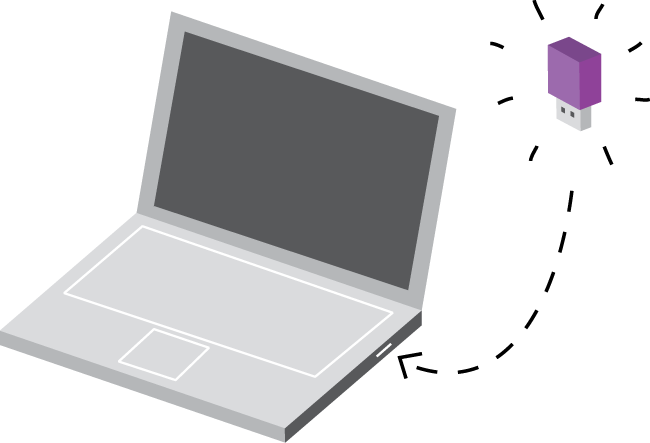
To use Tails, shut down your computer and boot from the Tails USB stick instead of starting Windows, macOS, or Linux. Your regular operating system never runs — Tails takes over completely.
You can temporarily transform any computer into a secure workstation. Use your own machine safely, or stay protected while using someone else's computer — at a library, hotel, or internet cafe.
Tails runs entirely in RAM and never touches the hard drive. When you shut down, everything disappears. No files, no history, no evidence.
Amnesia — leave no trace
Tails always starts fresh. Everything you do is deleted when you turn off the computer.
Without Tails, your activities leave traces everywhere:
• Websites you visited, even in private mode
• Files you opened, even if you deleted them
• Passwords you typed, even with a password manager
• Every device and WiFi network you connected to
Tails runs only from your computer's memory. This memory is completely erased when you shut down — removing all possible traces. Forensic recovery is not possible.
Digital security toolbox
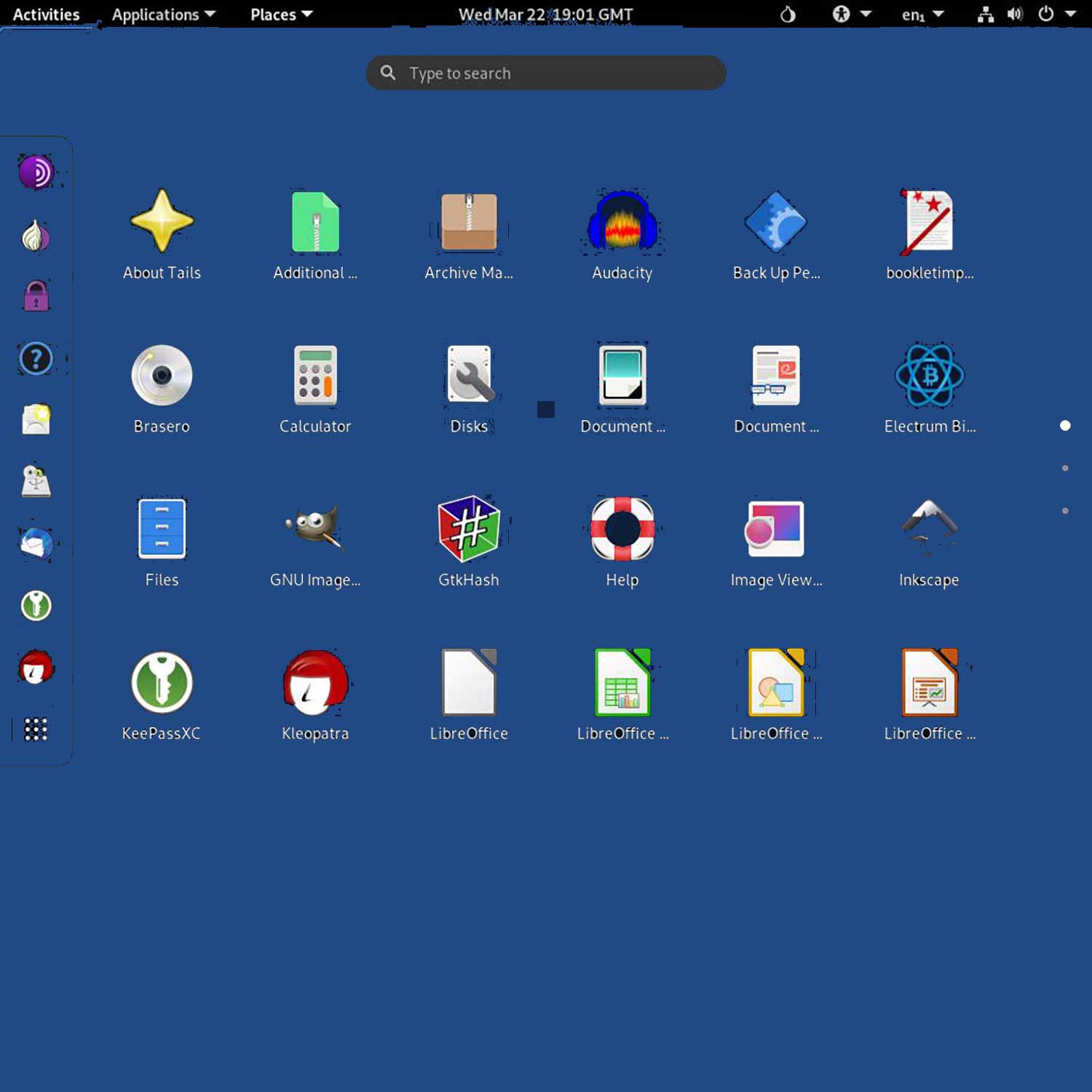
Tails comes pre-installed with everything you need for secure communication and sensitive document handling:
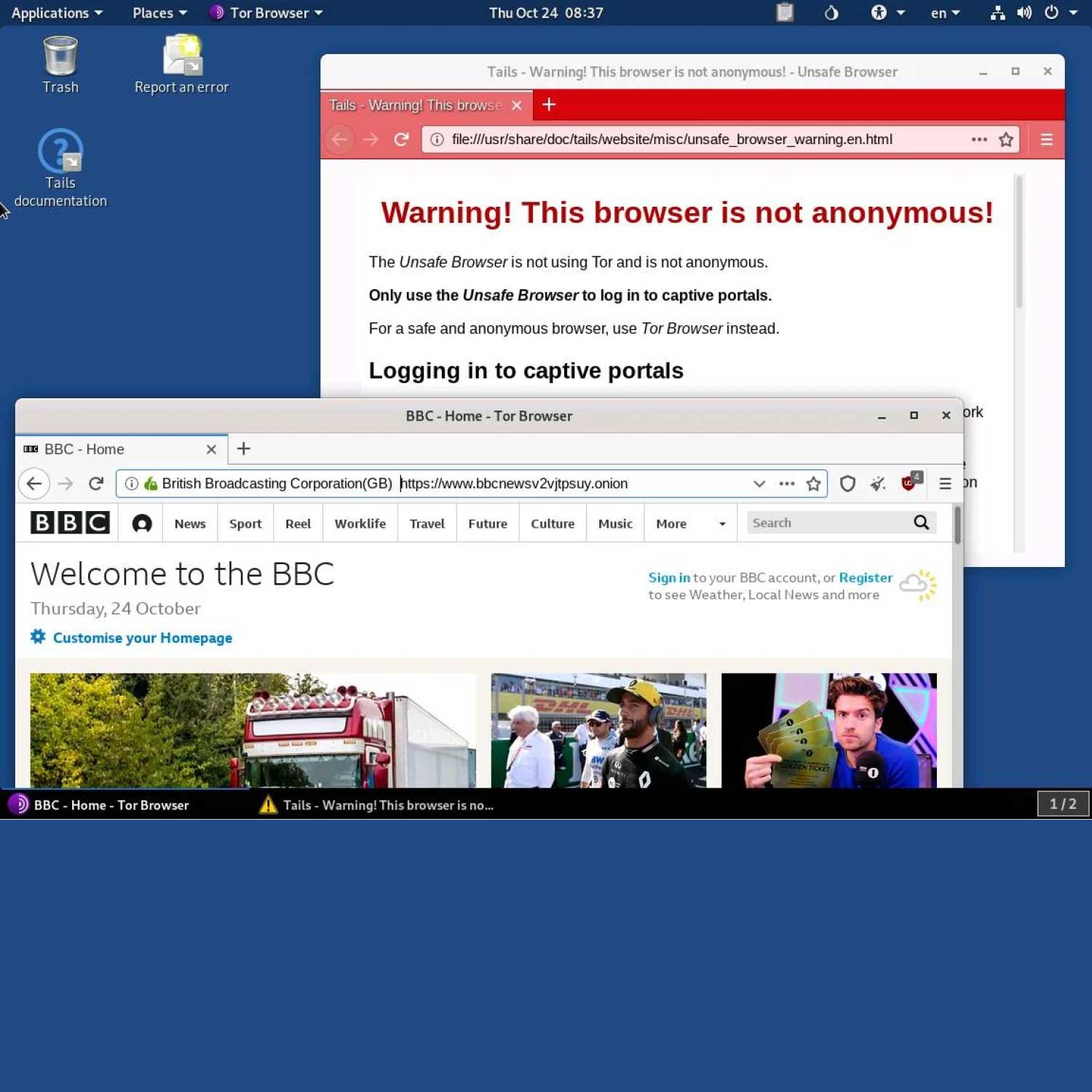
• Tor Browser with uBlock — anonymous browsing with ad-blocking
• Thunderbird — encrypted email with OpenPGP
• KeePassXC — create and store strong passwords
• LibreOffice — full office suite for documents
• OnionShare — share files, host websites, and chat rooms over Tor
• Metadata Cleaner — strip identifying data from files
Built-in protections:
• Apps are automatically blocked if they try to access the internet without Tor
• Persistent Storage is encrypted by default
• Nothing is ever saved to the hard disk
What you receive
• SanDisk USB drive (32GB, 64GB, or 128GB) with Tails OS pre-installed
• Ready to boot — no technical setup required
• Persistent storage configured — save files securely between sessions if needed
• Latest Tails version — installed and verified before shipping