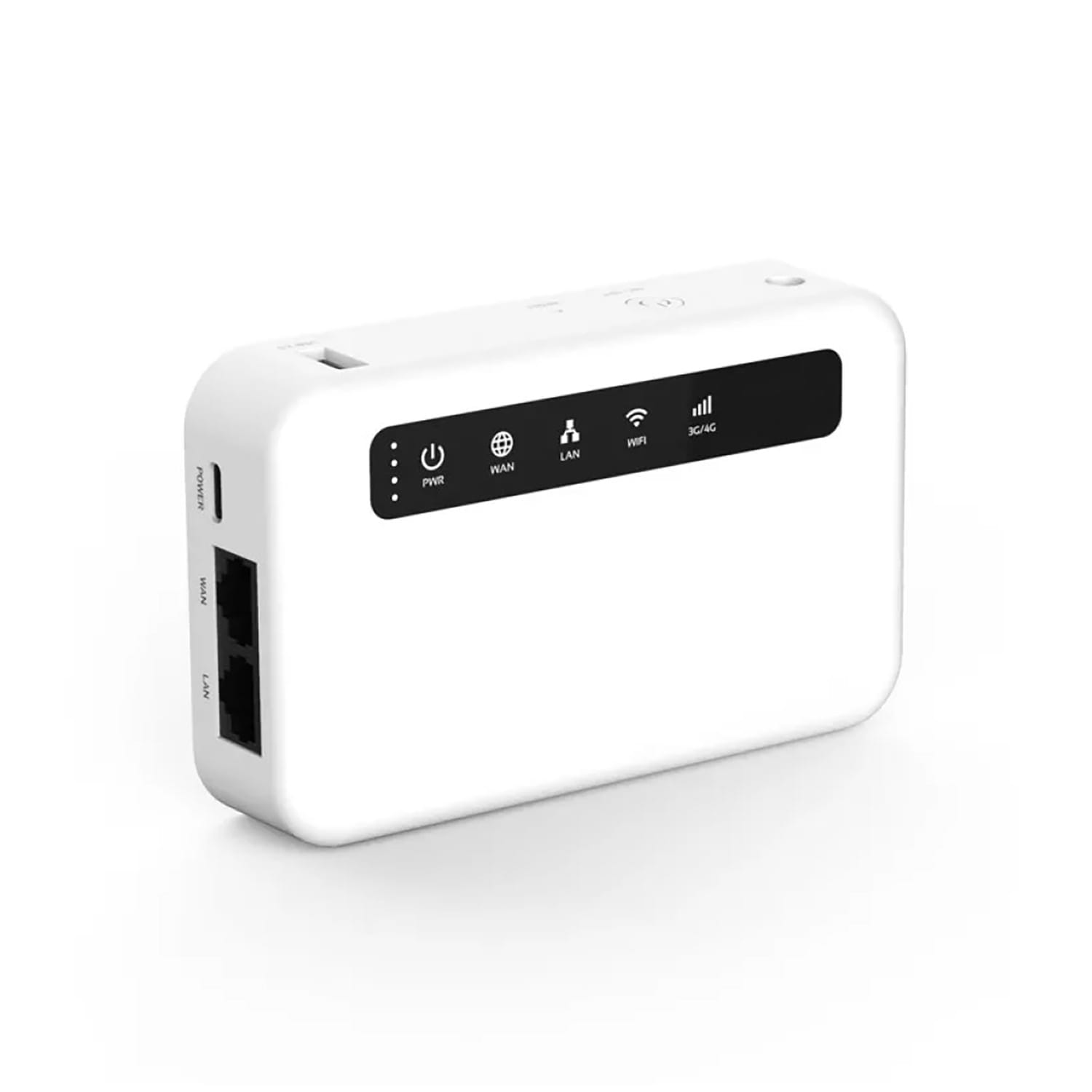
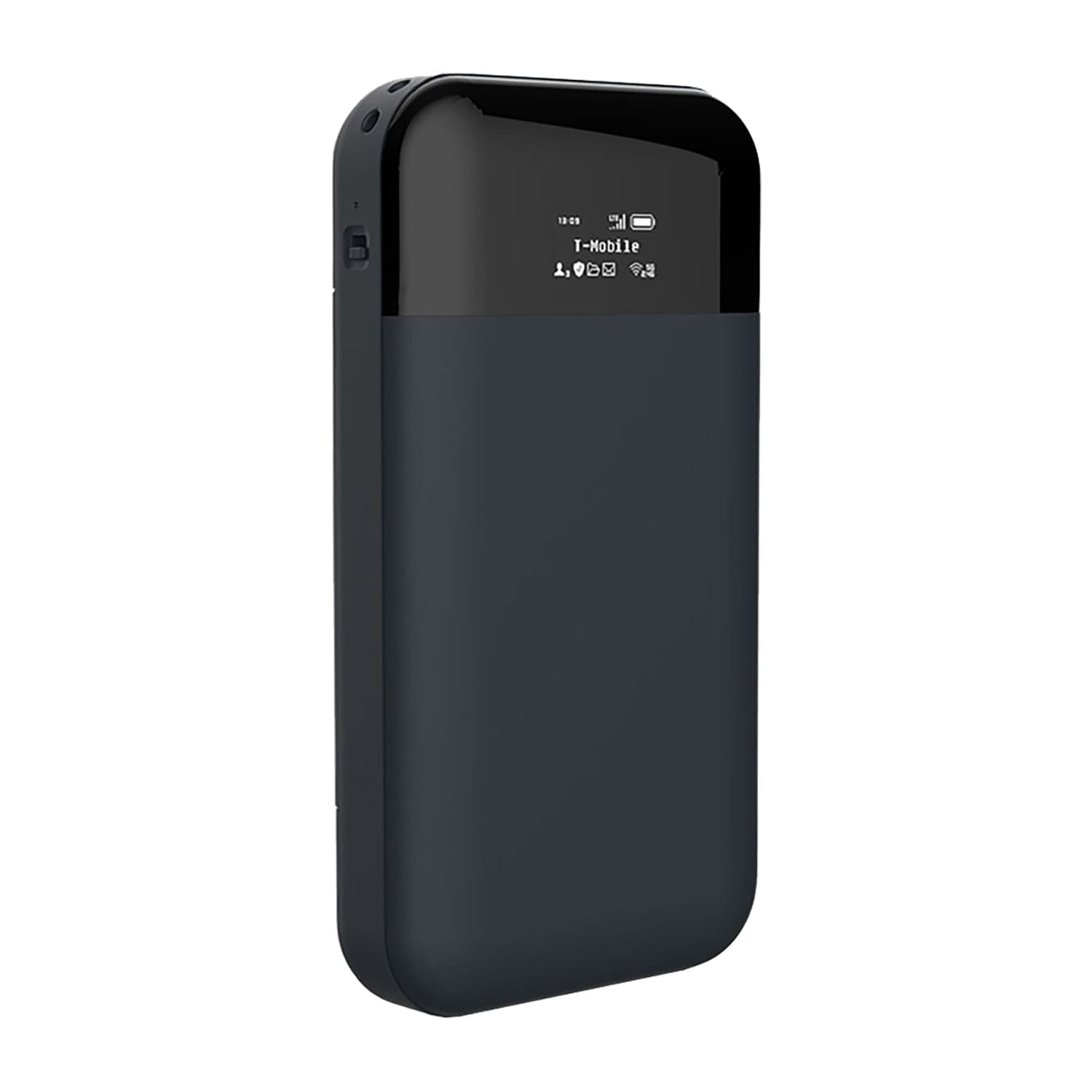
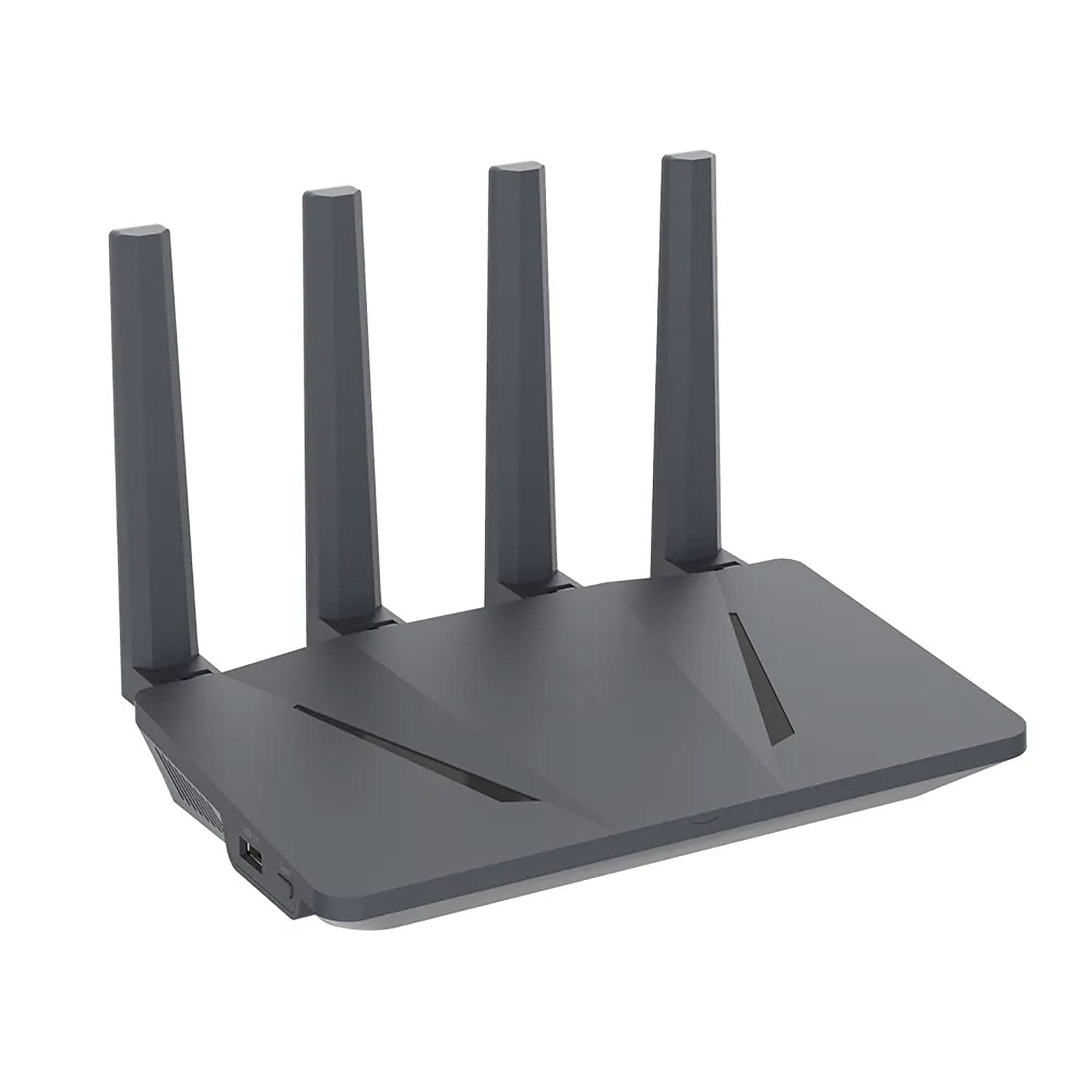
That little box your internet provider gave you — the one sitting in the corner collecting dust — handles every single thing you do online. Every password, every bank transfer, every message, every search. All of it passes through your router.
And here’s the part nobody tells you: if your router is compromised, it doesn’t matter what else you do. VPNs, encrypted apps, secure browsers — none of it helps if someone already controls the device sitting between you and the internet.
In this guide, we’ll walk you through:
- How routers become invisible spy tools (with real examples)
- Why most home routers are shockingly easy to hack
- How to tell if yours is already compromised
- Exactly what to do about it — step by step
- When it makes sense to get a dedicated privacy router
No jargon. No scare tactics. Just practical information you can act on today.
What is a router backdoor?
Think of your router like the front door to your house. A backdoor is a second entrance — one you didn’t install, probably don’t know about, and definitely didn’t lock.
In router terms, a backdoor is any way someone can get into your network without going through normal security. This happens more often than you’d think:
- The default password was never changed — and it’s printed on a sticker anyone can read
- The firmware hasn’t been updated in years — leaving known security holes wide open
- Malware got installed on the router itself — yes, routers can get viruses too
- Your ISP or the manufacturer left a hidden access point — sometimes on purpose, for “support”
Your router is essentially a small computer. Once someone controls it, they can see, redirect, or tamper with everything that passes through it. That means every device on your network — your phone, laptop, smart TV, security cameras, work computer — is exposed.
The scary part? You won’t get a notification. There’s no pop-up. No warning. Most people find out months later — if they find out at all.
Why is your router insecure?
Let’s be honest: most home routers are designed to be cheap and easy to set up. Security was never the priority. Here’s what’s typically wrong:
1. The password is still “admin”
A shocking number of routers still use default credentials like admin/admin or admin/password. These are public knowledge — hackers don’t need to “crack” anything; they just log in. And some ISP routers won’t even let you change the admin password because the firmware is locked.
2. The firmware is years out of date
Without regular updates, known vulnerabilities stay open forever. This isn’t theoretical — real malware campaigns have exploited outdated router firmware at massive scale:
- VPNFilter (2018) — Infected over 500,000 routers in 54 countries. Could intercept traffic, steal credentials, and permanently destroy devices. Attributed to Russian state actors. The FBI had to issue a public warning.
- ZuoRAT (2022) — Targeted home and small office routers from ASUS, Cisco, DrayTek, and NETGEAR. Hijacked DNS, stole credentials, then attacked every device on the network.
- Camaro Dragon (2023) — Planted custom firmware implants in TP-Link routers. The backdoor survived factory resets.
3. Your ISP controls the hardware
ISP-supplied routers are locked down — but not for your benefit. You can’t audit what software is running, can’t disable remote access, and can’t verify what data is being collected. Most use the TR-069 protocol for remote management, which has been repeatedly shown to have serious security holes. Your ISP essentially has a permanent backdoor into your router. You just have to trust them.
4. Even brand-name routers have had backdoors
Netgear, TP-Link, D-Link, and other major brands have all had models discovered with remote access vulnerabilities — some accidental, some suspiciously intentional. If you haven’t checked your specific model, you might be running a router with a known backdoor right now.
Who is watching your router?
When we say “compromised router,” people picture some hacker in a dark room. The reality is broader — and more unsettling.
Cybercriminals
Hackers scan the internet constantly for routers with open ports, default passwords, or outdated firmware. Once in, they steal login credentials, intercept banking data, or add your router to a botnet — a network of hijacked devices used to attack other targets. You become an unwitting accomplice.
State-sponsored groups
Government-backed hacking teams (APTs) have been documented using home routers as stepping stones into larger targets. Your home network becomes a launchpad they use to mask their real attacks. The FBI, CISA, and European cybersecurity agencies have all issued warnings about this.
Your own ISP
Depending on where you live, your internet provider may be legally required to log your activity — or they may simply choose to. ISP-managed routers make this trivially easy. In many countries, metadata collection (who you talk to, when, how often) happens by default. You never opted in. You can’t opt out.
Malware operators
Once malware infects a router, it can reroute your traffic, log every website you visit, inject ads or malicious code into pages you browse, and even intercept data on encrypted connections by manipulating DNS responses. All invisible to you.
How do routers get attacked?
Forget the Hollywood version. Real router attacks are boring, systematic, and effective precisely because nobody pays attention to their router.
DNS Hijacking — “You think you’re on your bank’s website. You’re not.”
Your router translates website names into IP addresses. An attacker changes these settings so when you type your bank’s URL, you get sent to a perfect copy they control. Your browser shows the right address. The page looks identical. You enter your password. They have it. This is how credential theft happens at scale, and you’d never notice.
Backdoor Malware — “It survives when you unplug it.”
Malware like VPNFilter doesn’t just sit in memory — it embeds itself in the router’s firmware. Factory reset? It comes back. Reboot? Still there. It quietly intercepts traffic and sends copies to the attacker for months or years. The only fix is replacing the firmware entirely or replacing the router.
ISP Firmware Surveillance — “Your provider is watching by default.”
Some ISP routers come with built-in telemetry that reports your usage patterns upstream. This isn’t a bug — it’s a feature the ISP built in. You can’t disable it because the firmware is locked. You can’t even see it running. In some cases, ISPs have been caught selling this data to advertisers.
Man-in-the-Middle Attacks — “Someone is reading your mail before it arrives.”
Once a router is compromised, attackers can position themselves between you and every website you visit. They can read unencrypted traffic, modify downloads mid-transfer (swapping a legitimate file for malware), and even downgrade encrypted connections to make them easier to intercept.
What does a privacy router actually protect?
A privacy router isn’t just a regular router with a fancy name. It’s a fundamentally different approach to home networking. Instead of prioritising convenience and cost, it prioritises your security.
Here’s what changes when you use one:
- All internet traffic is encrypted by default — not just the devices that happen to have a VPN app installed
- DNS queries are encrypted — so your ISP can’t see which websites you visit, and nobody can hijack your DNS
- Every connected device is protected — including smart TVs, cameras, and IoT gadgets that can’t run their own VPN
- ISP firmware restrictions are gone — you control what runs on your hardware
- Remote access is disabled — no backdoors, no TR-069, no surprises
Think of it this way: a VPN on your phone protects your phone. A privacy router protects everything on your network — automatically, all the time, without depending on each device being configured correctly.
With a privacy router, you control the firmware, you control DNS, you control routing, and you decide who has access. Nobody else.
We build our CryptHub routers specifically for this — pre-configured, hardened, and ready to plug in.
How to tell if your router is compromised
Most router hacks are invisible — that’s the whole point. But there are warning signs if you know where to look:
Check your router settings
- Log into your admin panel. Are the DNS settings different from what you configured? Someone may have changed them.
- Do you see devices in the connected list you don’t recognise? That’s a red flag.
- Has the admin password stopped working, or has it been changed without your knowledge?
Watch your network behaviour
- Websites redirecting to unexpected pages — especially login pages that look slightly off
- Unusually slow internet with no explanation from your ISP
- The router rebooting on its own repeatedly
Scan from outside
- Use a tool like ShieldsUP! (from GRC.com) or nmap to scan your router’s public IP for open ports. If you see ports open that you didn’t configure, something is wrong.
- Use Fing (free app) to scan your local network and identify every connected device. Anything unfamiliar? Investigate.
If you spot any of these signs, don’t wait. Change your admin password immediately, check DNS settings, update firmware, and seriously consider replacing the router entirely. A compromised router can’t always be cleaned — sometimes the malware lives in places a factory reset can’t reach.
How to fix it — step by step
Whether your router is compromised or you just want to lock it down properly, here’s exactly what to do. Start from the top and work your way down.
Step 1: Change the default password immediately
Log into your router’s admin panel (usually 192.168.1.1 or 192.168.0.1 in your browser). Change the admin password to something strong — at least 20 characters, random, using a password manager. If your router still uses “admin/admin,” someone may have already been inside.
Step 2: Update the firmware
Check the manufacturer’s website for the latest firmware version. Better yet, if your router supports it, flash open-source firmware like OpenWRT or DD-WRT. These give you full control, regular security updates from an active community, and no hidden telemetry. If flashing firmware sounds intimidating, we offer pre-configured routers ready to go.
Step 3: Disable remote management
Unless you specifically need to access your router from outside your home, turn off remote management completely. This closes one of the most common attack vectors. While you’re at it, disable WPS (has known brute-force vulnerabilities) and UPnP (automatically opens ports without asking you).
Step 4: Lock down your Wi-Fi
Use WPA3 if your router supports it, or WPA2 at minimum. Never WEP — it can be cracked in minutes. Use a strong passphrase (not your name, not your address, not “password123”). Hide your network name (SSID) if you want an extra layer of obscurity.
Step 5: Switch to encrypted DNS
Configure DNS-over-TLS (DoT) or DNS-over-HTTPS (DoH) on your router. Point it to a trusted resolver like Quad9 (9.9.9.9) or Mullvad DNS. This stops DNS hijacking and prevents your ISP from logging every site you visit. This single change is one of the most impactful things you can do.
Step 6: Close unnecessary ports
Run a port scan on your router’s public IP. Close everything you don’t actively use. The admin interface should never be accessible from the internet side.
Step 7: Segment your network
Put IoT devices (smart TVs, cameras, voice assistants) on a separate network from your computers and phones. If a smart device gets hacked, it shouldn’t be able to reach your laptop. Most modern routers support guest networks or VLANs for exactly this.
Step 8: Set up a VPN at the router level
Configure a VPN directly on the router so all traffic from every device passes through an encrypted tunnel. This protects devices that can’t run their own VPN — smart TVs, game consoles, IoT gadgets. Use a provider like Mullvad or IVPN with WireGuard or OpenVPN.
Step 9: Set a monthly firmware check reminder
Outdated firmware is the number one reason routers get compromised. Check once a month. With OpenWRT, updates are transparent and community-driven. On stock firmware, check the manufacturer’s site.
Step 10: Audit your network regularly
Every month, open your router’s admin panel and check which devices are connected. Use Fing or a similar tool. If something doesn’t belong, investigate immediately. Good security isn’t a one-time setup — it’s a habit.
Why a privacy router is worth it
You can harden a regular consumer router. But let’s be honest — most people won’t flash OpenWRT, configure VLANs, set up encrypted DNS, and audit their network monthly. And even if you do, a consumer router has limitations baked into its hardware and design.
A purpose-built privacy router does all of this out of the box:
- Hardware and firmware audited for security — not just for passing Wi-Fi certification tests
- Firewall configured properly from day one — not wide open with “we’ll let the user figure it out”
- Encrypted DNS and VPN built in — not as an afterthought or a paid add-on
- No unnecessary services running — no telemetry, no remote management, no ISP backdoors
- Every connected device protected automatically — including the ones that can’t protect themselves
The difference is like a regular front door versus a reinforced security door. Both are doors. One of them actually stops someone from getting in.
Our CryptHub privacy routers come pre-hardened with OpenWRT, VPN integration, encrypted DNS, and ongoing security monitoring. You plug it in, connect your devices, and your network is secured. No weekend spent reading documentation required.
Privacy router vs VPN app
“Can’t I just use a VPN app on my phone?” We hear this a lot. Here’s why it’s not the same thing:
| What it does | Privacy Router | VPN App |
|---|
| Covers all devices on network | Yes — automatically | No — only the device it’s installed on |
| Always on | Yes — 24/7 | Depends on user remembering to turn it on |
| DNS leak protection | Yes — at the network level | Varies — many apps leak DNS queries |
| Protects IoT devices | Yes — smart TVs, cameras, etc. | No — these devices can’t run VPN apps |
| Blocks threats before they reach you | Yes — at the gateway | No — threats pass through the network first |
A VPN app is better than nothing. But it only protects one device at a time, and only when you remember to turn it on. A privacy router protects your entire network, all the time, without any action required from you or anyone in your household.
The best setup? Both. A privacy router as the foundation, with VPN apps on mobile devices when you’re away from home.
Frequently asked questions
Your router is the foundation — start there
Your browser isn’t your first line of defence. Neither is your VPN, your antivirus, or your password manager. Your router is. It’s the foundation that everything else sits on.
If your router is weak, outdated, controlled by your ISP, or already compromised, nothing downstream is truly safe. Every password, every message, every bank transaction passes through it.
The good news? This is entirely fixable. Replace the ISP box, install firmware you can trust, lock down the settings, and pay attention to what’s happening on your network. Or let us handle it — our CryptHub privacy routers come ready to go, pre-hardened and monitored.
Start where it actually matters. Start with the router.