
What’s an IMSI Catcher and how to protect yourself
Best secure phone 2025
Best secure router 2025
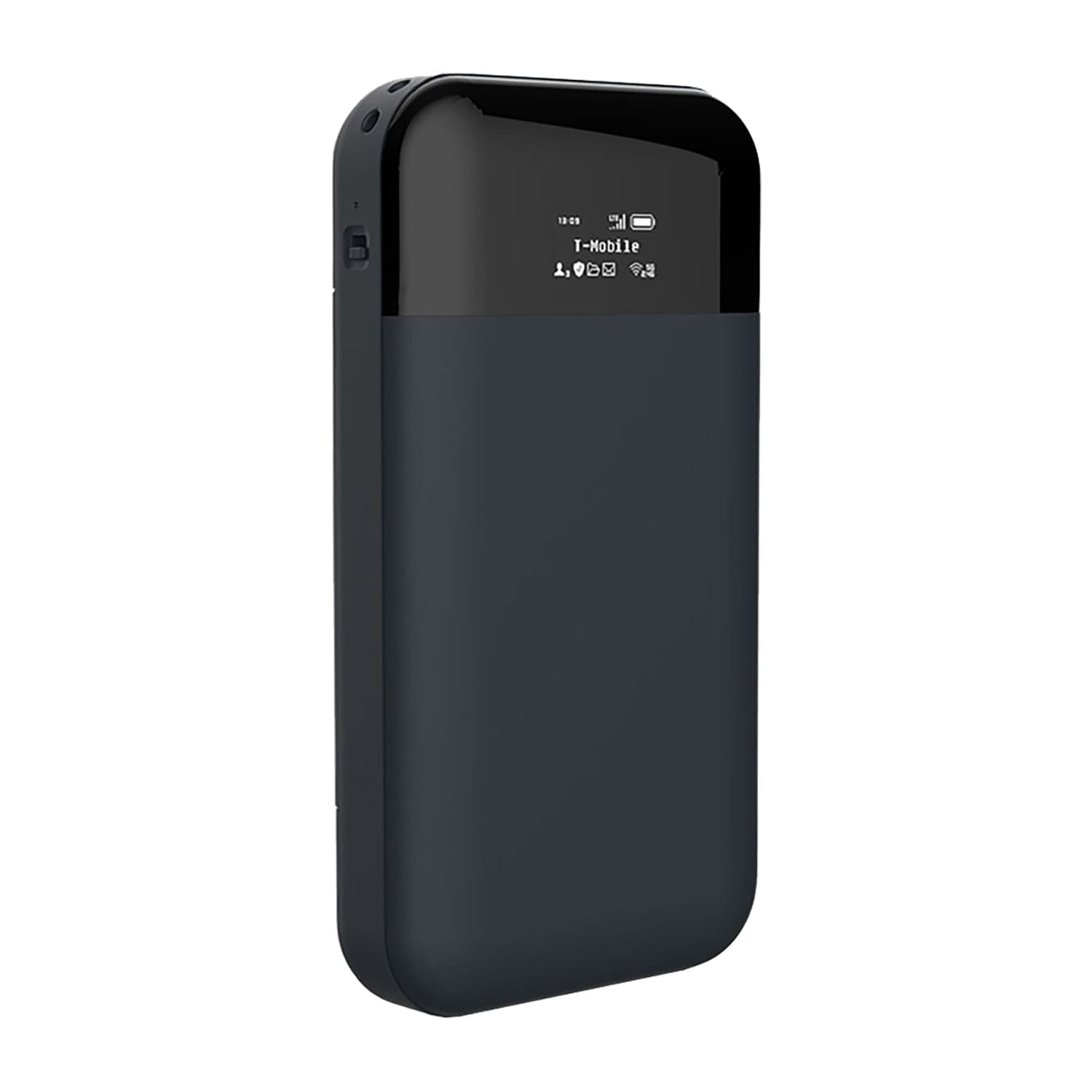
CryptHub V2 Portable 4G VPN Encrypted Router
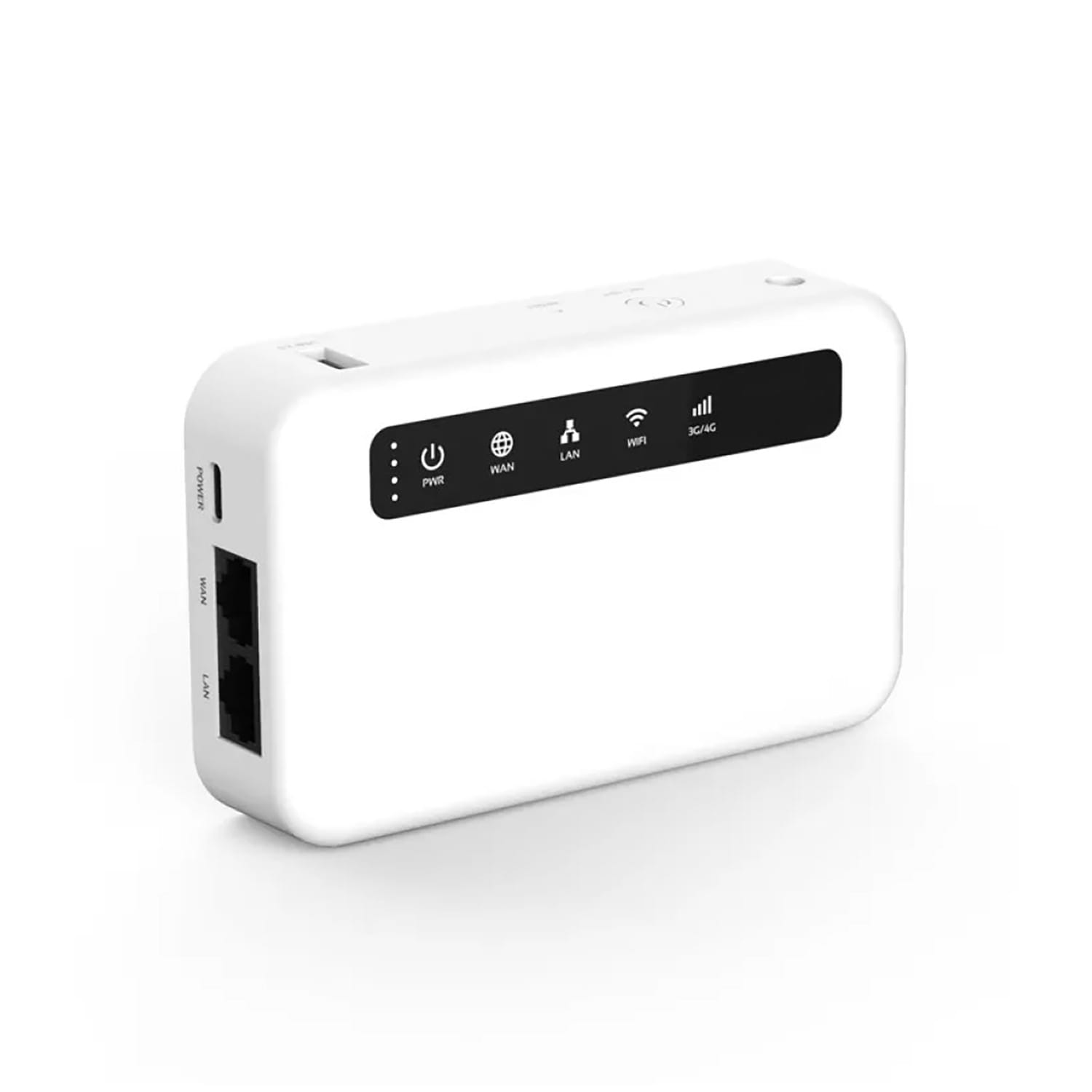
CryptHub V3 Portable 4G VPN Encrypted Router
Right now, there could be a device within a few hundred metres of you pretending to be a cell tower. Your phone connects to it automatically — no notification, no permission asked, no way to tell from looking at your screen. And once connected, whoever is operating that device can see your phone number, track your exact location, and in some cases intercept your calls and messages.
These devices are called IMSI catchers. They’ve been used by governments, law enforcement, and criminals around the world. And your phone has almost no built-in defence against them.
This guide explains what IMSI catchers are, how they work in plain English, how to spot the warning signs, and exactly what you can do to protect yourself.
What is an IMSI catcher?
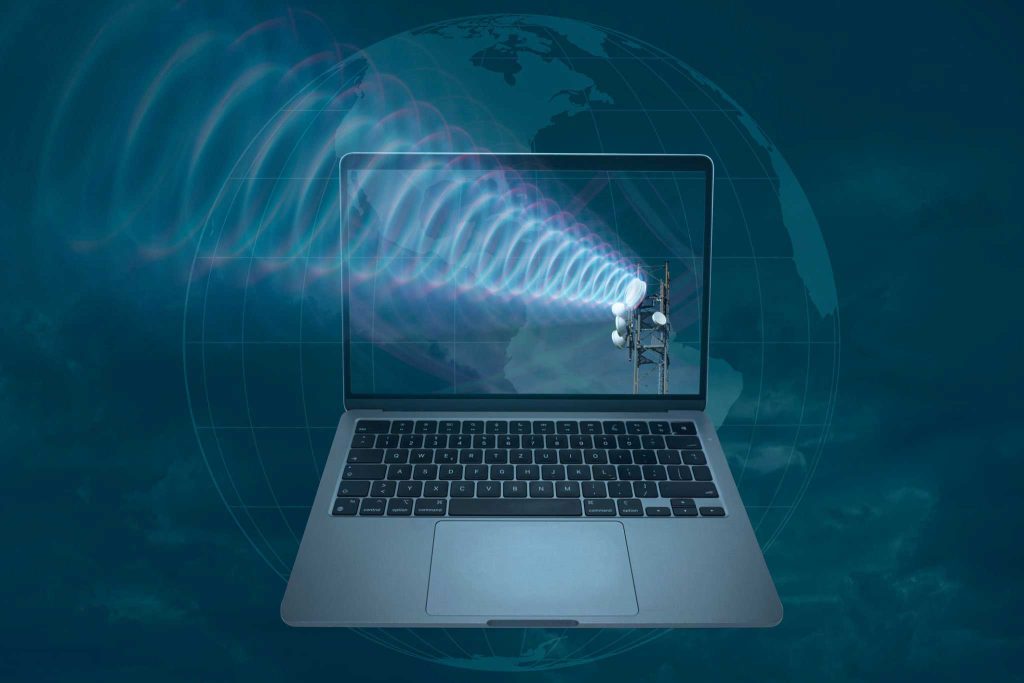
An IMSI catcher is a device that pretends to be a mobile phone tower. Your phone connects to whatever tower has the strongest signal — it doesn’t verify whether that tower is real. An IMSI catcher exploits this by broadcasting a stronger signal than the real towers nearby.
Once your phone connects, the device can:
- Capture your IMSI — the unique identity number on your SIM card that identifies you to the network
- Log your IMEI — the unique serial number of your phone hardware
- Track your exact location — in real time, as long as your phone is connected
- Intercept calls and texts — on older networks, they can listen to conversations and read SMS messages
- Monitor data traffic — advanced models can see what you’re doing online
This is called a “man-in-the-middle” attack. The IMSI catcher sits between your phone and the real network, relaying traffic back and forth while silently recording everything that passes through.
The scary part? You won’t see a pop-up. There’s no warning. Your phone thinks it’s connected to a normal tower. The only clues are subtle — and most people would never notice them.
Real-world example: In 2020, IMSI catchers were found operating near protest sites in multiple European cities, targeting activists and journalists. In the US, the FBI and local police have used devices called “Stingrays” — their brand of IMSI catcher — thousands of times, often without a warrant. In 2018, the Department of Homeland Security confirmed rogue cell-site simulators were found operating near the White House.
Who actually uses IMSI catchers?
This isn’t science fiction or spy-movie technology. IMSI catchers are commercially available and actively used worldwide.
Law enforcement and intelligence agencies
Police in the US, UK, Germany, France, and dozens of other countries use IMSI catchers routinely. The FBI’s “Stingray” device has been deployed thousands of times. In many cases, usage is barely documented and judicial oversight is minimal. The UK’s Metropolitan Police admitted to using them but refused to disclose how often or under what legal authority.
Foreign intelligence services
In 2018, the US government found unauthorised IMSI catchers operating in Washington DC — likely operated by foreign embassies for espionage. Similar discoveries have been made near government buildings in Oslo, London, and Ottawa.
Criminals and private operators
The hardware for a basic IMSI catcher can be built for under €1,000 using software-defined radio and open-source tools. Commercial-grade units are sold to private security firms, some of which operate in legal grey areas. Corporate espionage, stalking, and targeted harassment using IMSI catchers have all been documented.
The problem: When your phone connects to an IMSI catcher, it doesn’t matter who’s operating it — the technical impact is the same. Your identity is captured, your location is tracked, and your communications may be intercepted.
How to spot an IMSI catcher
IMSI catchers are designed to be invisible. But there are warning signs if you know what to look for:
Your network suddenly downgrades
Watch the indicator on your phone. If you’re in an area with good 4G/5G coverage and you suddenly see “E” (EDGE), “G” (GPRS), or “2G” — something may be forcing your phone down to a weaker, less secure network. IMSI catchers often do this deliberately because 2G has almost no encryption.
Signal behaves strangely
Unexplained signal drops in areas where you normally have strong coverage. Calls disconnecting mid-conversation. Text messages arriving late or not at all. These can all indicate a man-in-the-middle device interfering with your connection.
Unusual battery drain
When your phone is connected to an IMSI catcher, it may work harder to maintain the connection, causing noticeable battery drain. If your phone suddenly starts dying faster in a specific location, pay attention.
Detection tools (for advanced users)
- SnoopSnitch — An Android app that detects suspicious cell tower behaviour. Requires root access and a compatible Qualcomm chipset. Not foolproof, but it’s the best free option available.
- AIMSICD (Android IMSI-Catcher Detector) — Open-source project that monitors cell tower changes. Also requires root.
- OpenCellID — A crowdsourced database of real cell towers. You can cross-reference the towers your phone connects to against known legitimate ones.
- Dedicated hardware detectors — Professional-grade IMSI catcher detectors exist but cost thousands of euros. Used by security firms and investigative journalists.
Important caveat: Many detection tools need root access, which can introduce its own security risks. On GrapheneOS, the approach is different — the OS itself provides network controls that reduce exposure without needing root.
Why 2G is the biggest vulnerability
Most IMSI catchers exploit a fundamental flaw in 2G (GSM) networks: your phone authenticates itself to the tower, but the tower doesn’t have to authenticate itself to your phone.
On 2G, anyone can set up a device that says “I’m a cell tower” and your phone will believe it. No questions asked. No verification. This is why IMSI catchers overwhelmingly target 2G — it’s the easiest network to exploit.
3G improved this somewhat. 4G and 5G added mutual authentication, meaning the tower has to prove its identity too. But here’s the catch:
- Many IMSI catchers force your phone to downgrade from 4G/5G to 2G by jamming the stronger signals
- Many phones still have 2G enabled by default and will silently fall back to it
- Carriers in some regions keep 2G active for IoT devices and legacy hardware
- Even on 4G/5G, newer IMSI catchers can capture your IMSI during the initial connection handshake before encryption kicks in
On your screen, a 2G connection shows as “E” (EDGE) or “G” (GPRS). If you see these letters in an area where you normally have 4G or 5G, it’s worth paying attention.
The single most effective thing you can do: Disable 2G on your phone entirely. On GrapheneOS, this is straightforward. On stock Android (Pixel), go to Settings → Network → SIMs → Allow 2G and turn it off. Not all Android phones offer this option — which is one more reason to use a Pixel with GrapheneOS.
How to protect yourself — step by step
You can’t make yourself 100% immune to IMSI catchers. But you can make it dramatically harder for them to be useful against you. Here’s how:
Step 1: Disable 2G on your phone
This is the single most impactful step. On GrapheneOS or stock Android (Pixel 6+), go to Settings → Network & internet → SIMs → Allow 2G → turn it off. This prevents your phone from connecting to the most vulnerable network type. If your phone doesn’t offer this option, it’s a reason to switch to a Pixel with GrapheneOS.
Step 2: Use encrypted messaging instead of calls and SMS
Regular phone calls and SMS are transmitted in plaintext on 2G and weakly encrypted on 3G. IMSI catchers can intercept them. Switch to Signal or Molly for all private communication. These apps use end-to-end encryption that works regardless of what network you’re on. Even if an IMSI catcher intercepts the data packets, they can’t read the contents.
Step 3: Use a VPN (always-on)
A VPN encrypts all data traffic between your phone and the internet. Even if an IMSI catcher intercepts your data connection, they see encrypted gibberish. Configure Mullvad or IVPN as always-on with kill switch enabled. On GrapheneOS, use “Block connections without VPN” for zero-leak protection.
Step 4: Use airplane mode in sensitive locations
If you’re attending a protest, a sensitive meeting, or travelling through a high-surveillance area — turn on airplane mode. Your phone can’t connect to a fake tower if its radio is off. You can still use Wi-Fi calling through a VPN if you need connectivity.
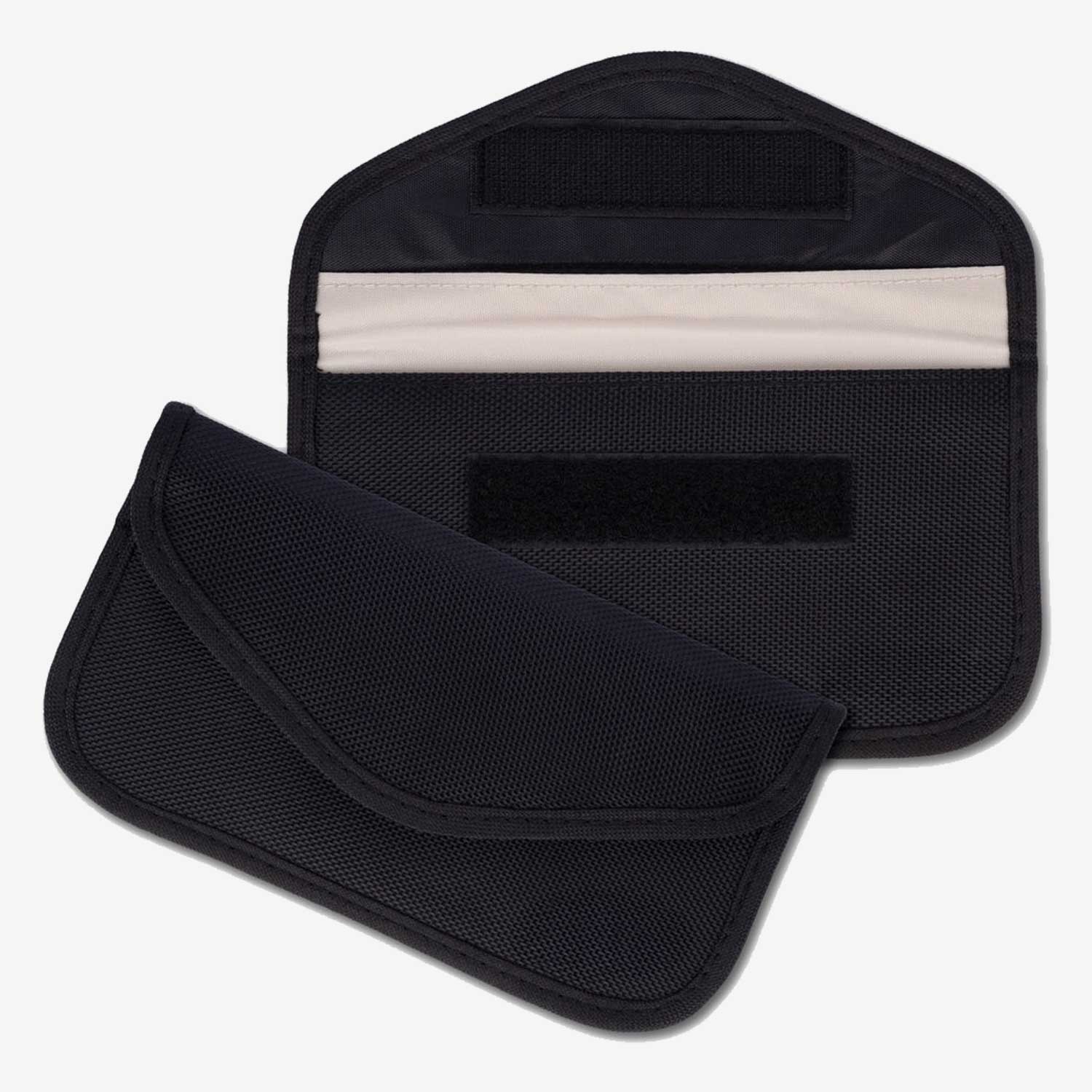
Step 5: Use a Faraday bag
A Faraday bag blocks all wireless signals — cellular, Wi-Fi, Bluetooth, GPS. When your phone is inside, it’s completely invisible to any nearby device, including IMSI catchers. This is the only physical way to guarantee your phone isn’t being tracked. We sell tested, certified Faraday bags that actually work — cheap ones often don’t fully block all frequencies.
Step 6: Switch to GrapheneOS
GrapheneOS gives you controls that stock Android doesn’t — including the ability to disable 2G, per-app network access controls, MAC randomisation, sensor controls, and profile isolation. It’s the most secure mobile OS available, and it’s specifically designed against threats like this.
Step 7: Monitor your network connection
Pay attention to your signal indicator. If you’re in a city with good 4G/5G coverage and your phone drops to 2G, move to a different location and check again. If it consistently happens in one area, there may be an IMSI catcher operating nearby. On Android, apps like NetMonitor or Cell Info Lite can show you detailed tower information.
Step 8: Avoid using your real phone number
Your phone number is tied to your IMSI, which is what these devices capture. For sensitive communications, consider a prepaid SIM purchased anonymously (where legal) or use messaging apps that don’t require a phone number — like SimpleX or Session.
Step 9: Keep your OS and baseband firmware updated
Security patches close vulnerabilities that IMSI catchers exploit. GrapheneOS delivers updates faster than most stock Android devices. Install them immediately — every day you delay is a day you’re running known-vulnerable code.
Step 10: Layer your defences
No single tool stops everything. The combination of disabling 2G + encrypted messaging + always-on VPN + GrapheneOS + a Faraday bag for high-risk situations gives you a level of protection that makes IMSI catchers largely ineffective against you. Each layer catches what the others miss.
How Faraday bags protect you
A Faraday bag is the only way to physically guarantee your phone can’t be tracked or intercepted. It creates a metallic shield around your device that blocks all wireless signals — 2G, 3G, 4G, 5G, Wi-Fi, Bluetooth, NFC, and GPS.
When your phone is inside a properly made Faraday bag:
- No IMSI catcher can connect to it
- No GPS satellite can locate it
- No Wi-Fi or Bluetooth signal can reach it
- It’s completely invisible to any wireless surveillance
Tips for choosing and using a Faraday bag:
- Buy bags made with certified RF-blocking material — cheap bags from Amazon often fail to block all frequencies
- Test it yourself: put your phone inside, try to call it. If it rings, the bag doesn’t work
- Remember that your phone won’t receive calls or messages while inside — that’s the whole point
- Use it for meetings, protests, travel through high-surveillance areas, or whenever you need to go dark
We sell tested, high-quality Faraday bags that fully block all frequencies. Every bag is tested before shipping.
CryptHub V2 Portable 4G VPN Encrypted Router
Frequently asked questions
Can an IMSI catcher read my encrypted messages?
If you’re using Signal, Molly, or another end-to-end encrypted app, an IMSI catcher can see that encrypted data is passing through but cannot read the contents. However, it can still capture your IMSI, IMEI, and location — which is valuable surveillance data on its own. Regular SMS and phone calls on 2G have weak or no encryption and can be intercepted in plaintext. This is why encrypted messaging and a VPN are essential layers even if an IMSI catcher is present.
Does disabling 2G affect my phone's normal use?
In most cities, you’ll never notice the difference. 2G coverage has been shut down in many European countries and is rarely used as the primary connection anywhere with 4G/5G coverage. In rural areas with poor coverage, disabling 2G could mean losing signal entirely in some spots. If you travel to remote areas regularly, you may want to re-enable it temporarily. But for daily use in any city or town, disabling 2G costs you nothing and removes the biggest vulnerability IMSI catchers exploit.
Are IMSI catchers legal?
It depends on who’s operating them and where. Law enforcement in many countries uses them under varying legal frameworks — some require a warrant, others don’t. In the US, the FBI has used Stingrays thousands of times, often with minimal judicial oversight. Possession and use by civilians is illegal in most jurisdictions. The legality is less relevant to your protection strategy — whether the device targeting you is legal or not, the technical threat is identical. Focus on protecting yourself regardless.
Your phone trusts every tower — you shouldn't
The fundamental problem with IMSI catchers is that your phone is designed to trust any cell tower that broadcasts the right signal. It doesn’t ask questions. It doesn’t verify. It just connects.
Until mobile networks fix this at the infrastructure level (and they’re not in a hurry), the responsibility falls on you. Disable 2G, use encrypted messaging, run an always-on VPN, switch to GrapheneOS, and carry a Faraday bag for high-risk situations.
No single step makes you invulnerable. But the combination makes IMSI catchers largely useless against you — and that’s the goal.
Take control of what your phone connects to. Start with the steps above.