
Why a VPN alone won’t protect your privacy — and what actually will
Best secure phone 2025
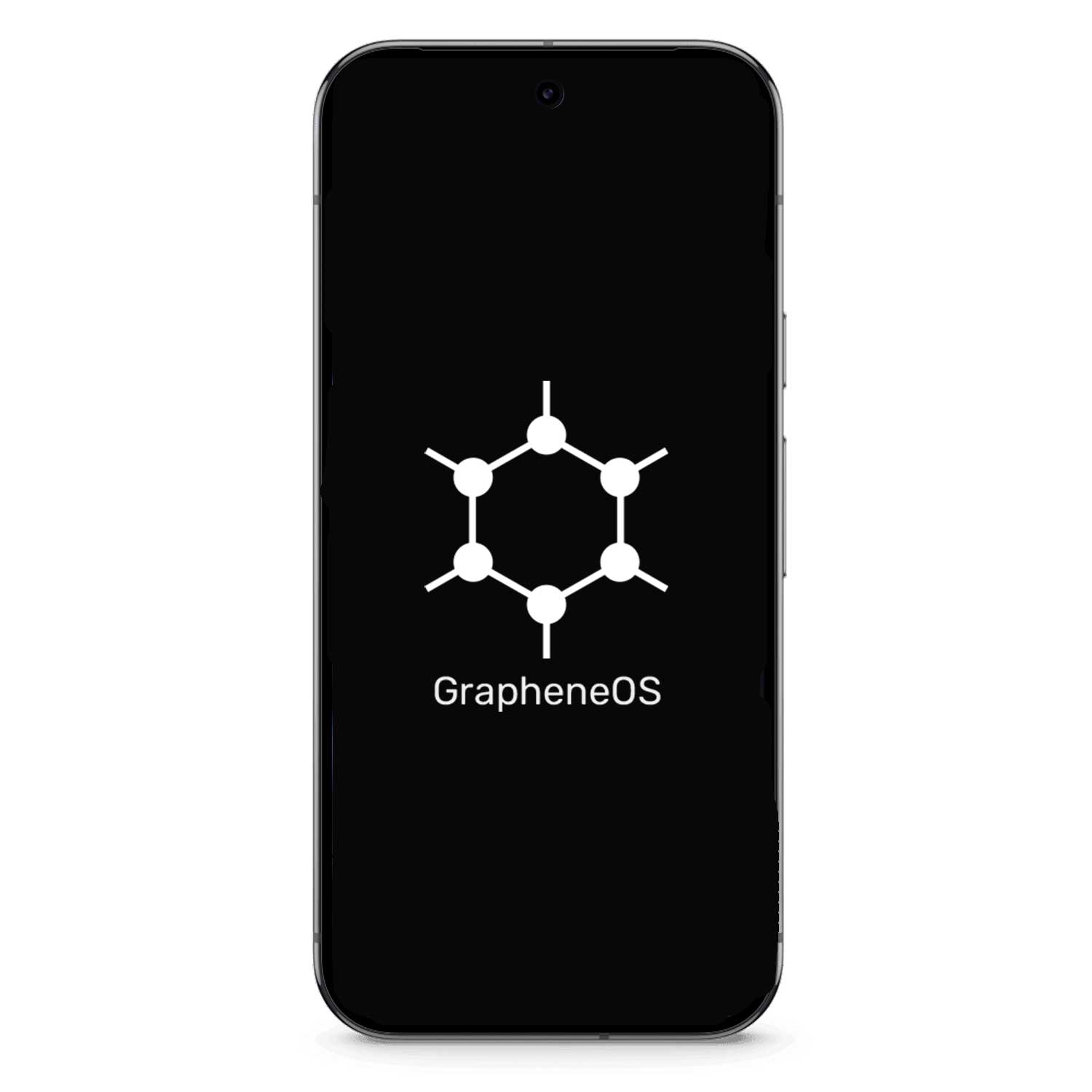
Google Pixel 9 GrapheneOS VPN Encrypted
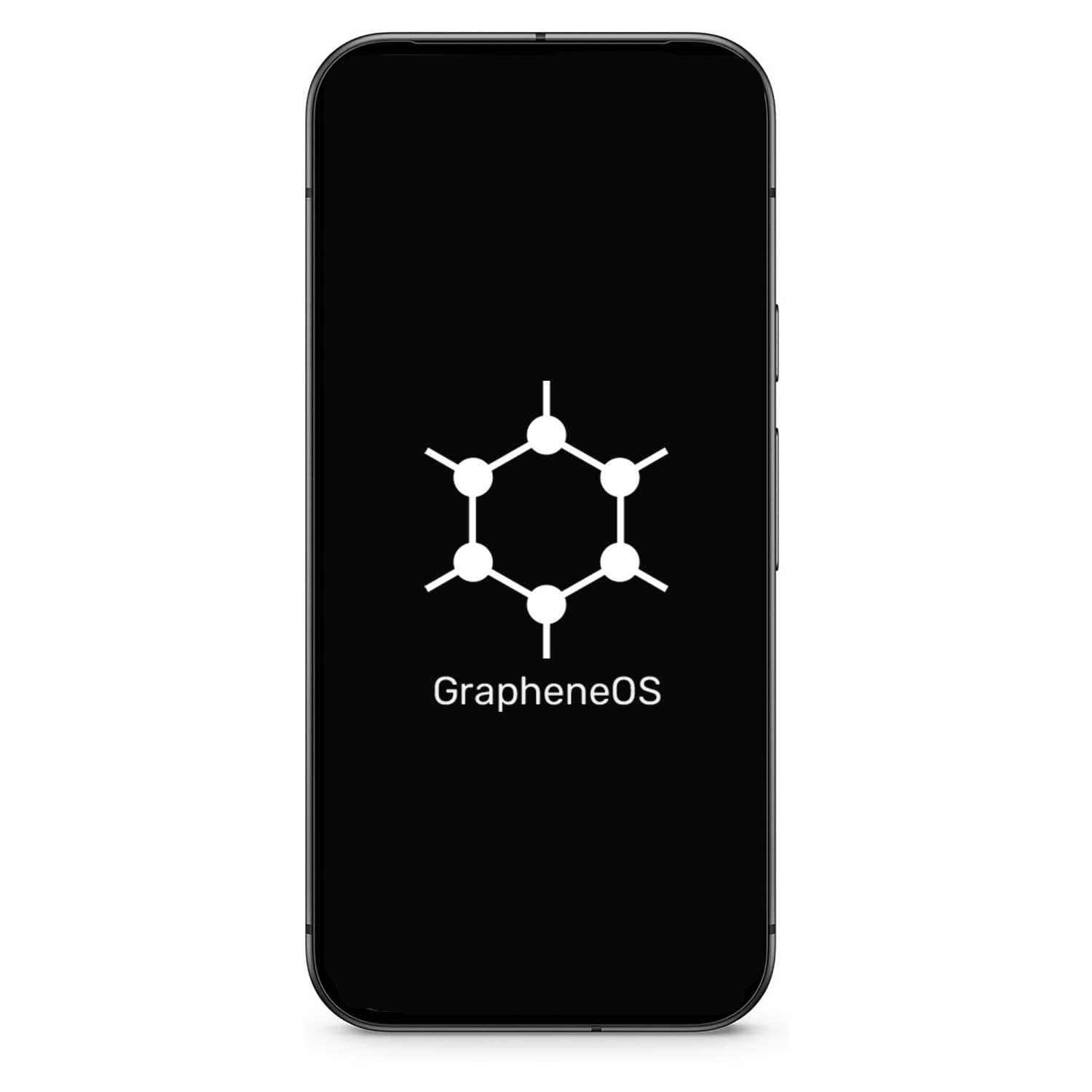
Google Pixel 9a GrapheneOS VPN Encrypted
Best secure router 2025
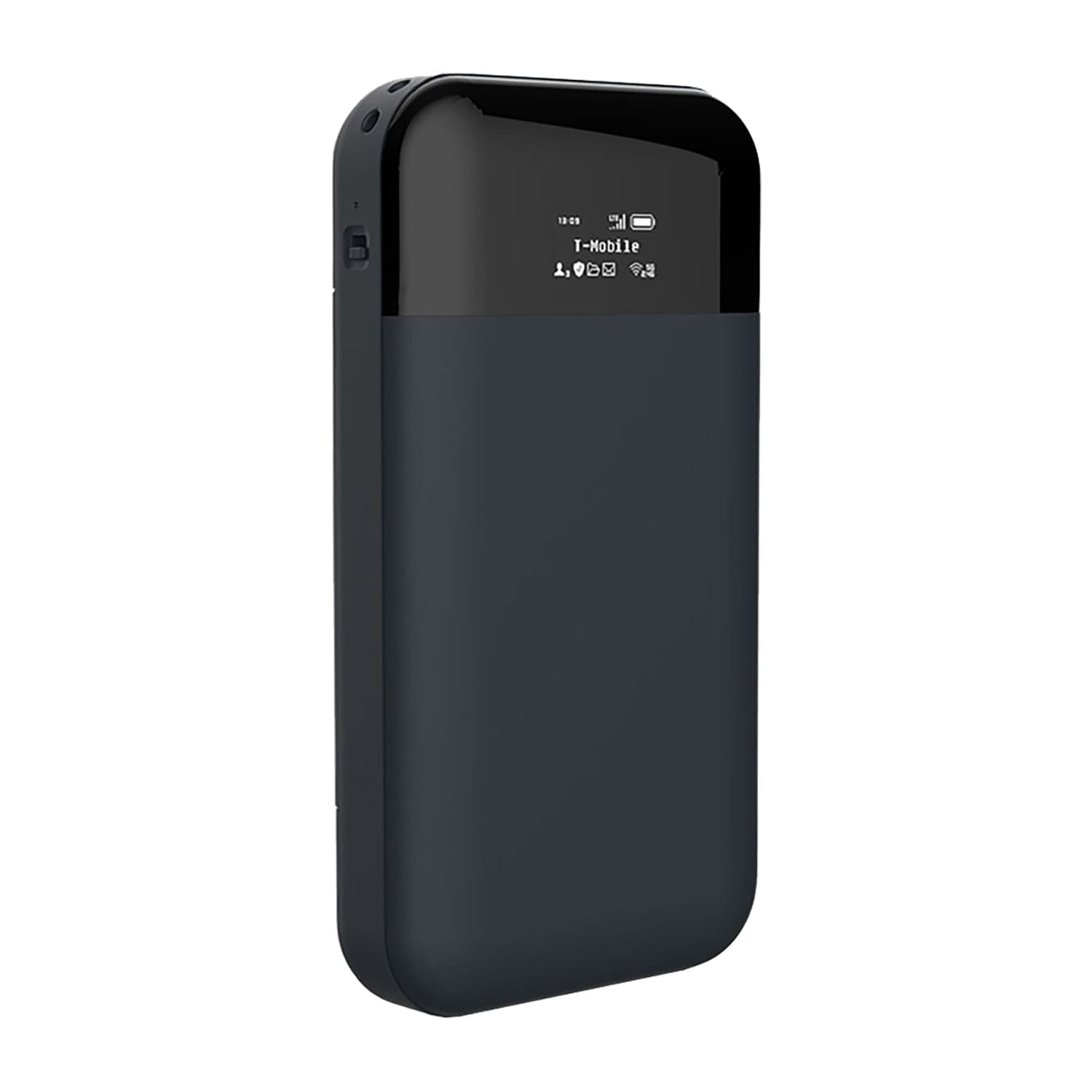
CryptHub V2 Portable 4G VPN Encrypted Router
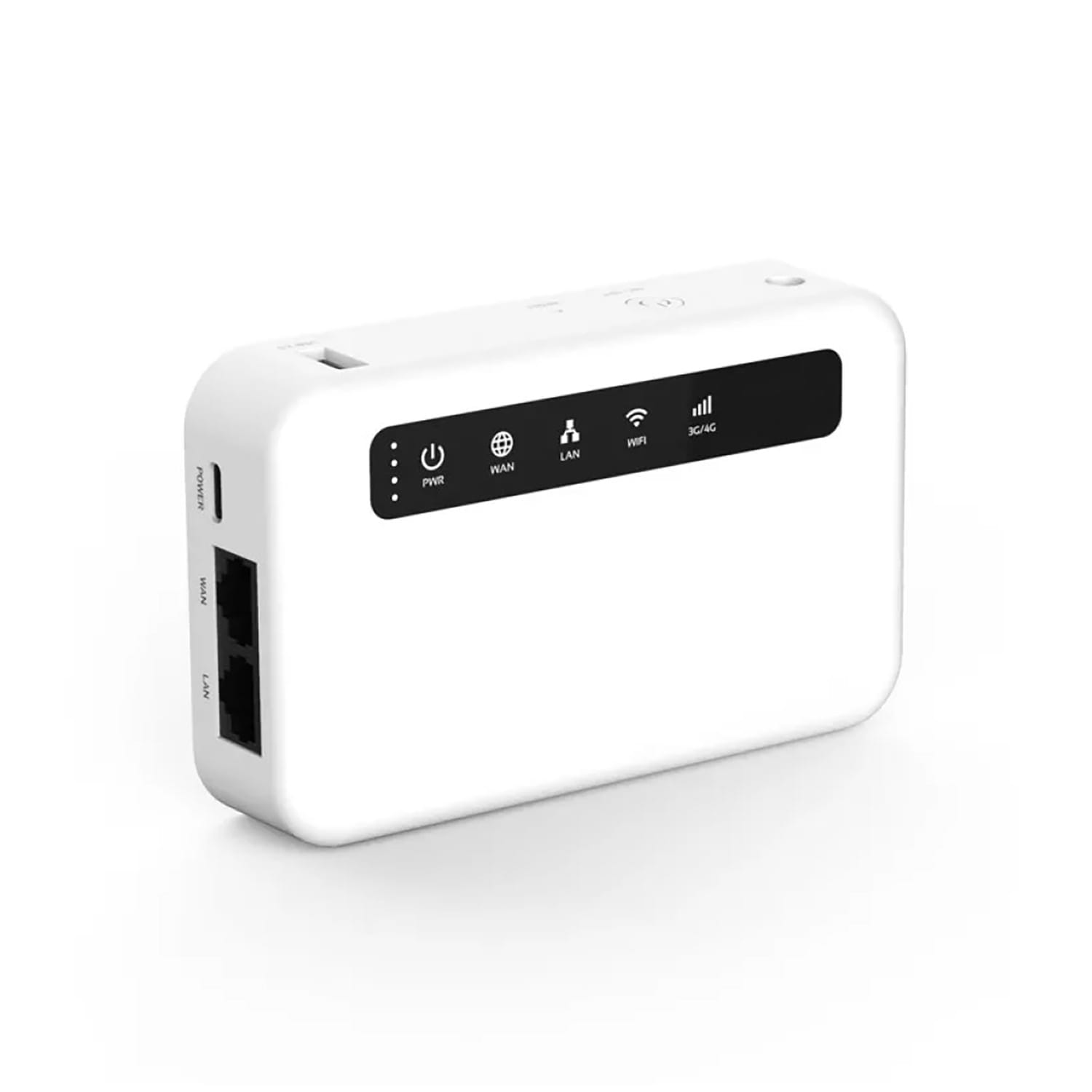
CryptHub V3 Portable 4G VPN Encrypted Router
You installed a VPN. Maybe you’re paying for one of the big names — NordVPN, ExpressVPN, Surfshark. You see the little lock icon, the “connected” badge, and you think: sorted. My internet is private now.
Here’s the uncomfortable truth: a VPN alone doesn’t make you private. Not even close.
A VPN does one specific thing well — it encrypts the connection between your device and a server, hiding your traffic from your ISP and anyone on your local network. That’s useful. But it’s only one layer in a much bigger picture, and most people treat it like it’s the whole solution.
This guide explains what a VPN actually protects, what it doesn’t, where the real gaps are, and exactly what you need to do to fill them.
What does a VPN actually do?
Let’s strip away the marketing and talk about what’s really happening when you turn on a VPN.
Imagine your internet connection as a road between your house and every website you visit. Normally, your ISP can see every stop you make — every website, every search, every download. They own the road.
A VPN builds a private tunnel through that road. Your ISP can see you’re using the tunnel, but they can’t see what’s inside it or where it goes. The traffic exits at the VPN server and continues to the website from there.
That’s it. That’s what a VPN does. Specifically:
- It hides your browsing from your ISP — They see encrypted traffic going to the VPN server. They can’t see which websites you visit.
- It masks your IP address from websites — Websites see the VPN server’s IP, not yours. This makes basic location tracking harder.
- It encrypts traffic on public Wi-Fi — If you’re on a coffee shop or airport network, nobody nearby can sniff your traffic.
All of that is genuinely useful. But notice what’s missing from this list — and that’s where the problems start.
What a VPN doesn't protect you from
This is where most people get it wrong. Here’s what your VPN cannot do:
It doesn’t stop tracking by websites.
Google, Facebook, Amazon — they don’t need your IP address to track you. They use cookies, browser fingerprinting, login sessions, and tracking pixels. The moment you log into Gmail through a VPN, Google knows exactly who you are. Your IP changed, but your identity didn’t.
It doesn’t protect your DNS queries (usually).
DNS is the system that converts website names into IP addresses. Many VPN apps leak DNS queries outside the tunnel, meaning your ISP can still see which sites you’re visiting even with the VPN on. This is called a DNS leak, and it’s shockingly common — even with paid VPNs.
It doesn’t protect other devices on your network.
A VPN app on your phone protects your phone. Your smart TV, security cameras, IoT devices, your partner’s laptop — none of those are covered. They’re still fully exposed to your ISP and anyone who compromises your router.
It doesn’t protect you from malware or phishing.
If you click a malicious link or download infected software, a VPN does nothing. The malware runs on your device, inside the encrypted tunnel. It’s like locking your car doors while there’s already someone in the back seat.
It doesn’t make you anonymous.
This is the biggest misconception. A VPN shifts trust from your ISP to the VPN provider. If your VPN keeps logs (and many do, despite claiming otherwise), they have a complete record of everywhere you went online. You’re not anonymous — you just moved who can see you.
Can you actually trust your VPN provider?
This is the question nobody wants to ask. You’re paying a company to route all your internet traffic through their servers. All of it. Every site you visit, every message you send on an unencrypted channel, every file you download. That’s an enormous amount of trust.
So who deserves it?
Most commercial VPNs don’t. Here’s why:
- NordVPN — Suffered a server breach in 2018 that wasn’t disclosed until 2019. The compromised server could have been used to intercept traffic.
- HideMyAss — Handed over user logs to the FBI in 2011 despite marketing itself as a no-logs service. A user was arrested based on those logs.
- PureVPN — Claimed “zero logs” but provided FBI with connection logs that helped identify a cyberstalker in 2017.
- Free VPNs — Hola VPN was caught selling users’ bandwidth as a botnet. Facebook’s Onavo VPN collected all user browsing data. If you’re not paying, you’re the product.
Two providers we actually trust:
Mullvad — Based in Sweden. No email required to sign up, just a randomly generated account number. Accepts cash by mail. Has been independently audited multiple times. When Swedish police raided their offices in April 2023, they found nothing — because there was genuinely nothing to find. No logs existed.
IVPN — Based in Gibraltar. Open-source apps, independent audits, transparent ownership, no tracking. Also accepts cash and cryptocurrency.
If your VPN provider spends more on YouTube sponsorships than on security audits, that tells you everything you need to know.
When VPNs fail — real examples
VPN marketing makes it sound bulletproof. Reality disagrees.
DNS leaks expose your browsing
In 2020, researchers at Comparitech tested 20 popular VPN apps and found that six of them leaked DNS queries. Users thought they were protected while their ISPs could see every site they visited. The VPN was connected. The icon was green. And it wasn’t working.
WebRTC leaks reveal your real IP
WebRTC is a browser feature used for video calls. It can bypass your VPN entirely, exposing your real IP address to any website that asks. Most VPN apps don’t block this by default. You’d never know unless you tested it.
Kill switch failures
When a VPN connection drops (which happens regularly), your device should stop all traffic. That’s what a kill switch does. But many VPN apps have faulty kill switches that let traffic leak for seconds during reconnection — enough time for your real IP and DNS queries to be exposed.
VPN provider seizures and legal orders
If your VPN operates in a Five Eyes country (US, UK, Canada, Australia, New Zealand) or an EU jurisdiction subject to data retention laws, they can be legally compelled to start logging or hand over data — often under gag orders that prevent them from telling you.
The bottom line: A VPN is a single point of failure. If it fails, leaks, logs, or gets compromised, your entire privacy model collapses. That’s why it should never be your only protection.
How to actually protect yourself — step by step
A VPN is one layer. Here’s how to build a real privacy stack — starting with the most impactful changes.
Step 1: Get a VPN you can actually trust
Switch to Mullvad or IVPN. Cancel whatever influencer-sponsored VPN you’re using. Set it to always-on with the kill switch enabled. On Android, use the built-in “Block connections without VPN” setting. No exceptions.
Step 2: Fix your DNS
Even with a VPN, configure encrypted DNS separately. Use DNS-over-HTTPS (DoH) or DNS-over-TLS (DoT) with Quad9 (9.9.9.9) or Mullvad DNS. This protects your DNS queries even if the VPN leaks or drops. Set it at the router level if possible — that covers every device.
Step 3: Protect your whole network, not just one device
Install a VPN at the router level so every device on your network is covered — smart TVs, cameras, IoT devices, guests’ phones. A VPN app on your phone doesn’t help your Ring doorbell or your kid’s tablet. Our CryptHub routers come with this built in.
Step 4: Block WebRTC leaks
In Firefox: go to about:config and set media.peerconnection.enabled to false. In Brave: it’s blocked by default. In Chrome: you need an extension like WebRTC Leak Prevent. Or just don’t use Chrome.
Step 5: Test your VPN regularly
Visit ipleak.net or dnsleaktest.com with your VPN on. Check that your real IP doesn’t appear. Check that DNS queries go through the VPN, not your ISP. Do this monthly — updates and configuration changes can break things silently.
Step 6: Stop browser tracking
A VPN hides your IP. It doesn’t stop cookies, fingerprinting, or login-based tracking. Use Vanadium (on GrapheneOS), Brave, or Firefox with uBlock Origin. Clear cookies regularly. Use separate browser profiles for different activities. Never browse logged into Google.
Step 7: Encrypt your devices
If someone physically accesses your device, a VPN history is the least of your problems. Full-disk encryption on every device — BitLocker on Windows, FileVault on Mac, LUKS on Linux, strong PIN on Android. This is non-negotiable.
Step 8: Use GrapheneOS on your phone
Stock Android leaks data to Google at the system level — location, app usage, network activity. A VPN can’t stop this because the OS itself is the problem. GrapheneOS removes all of that and gives you per-app network controls, sensor controls, and profile isolation. It’s the single biggest privacy upgrade you can make on mobile.
Step 9: Harden your router
Replace your ISP router. Install OpenWRT. Configure encrypted DNS, VPN at the router level, disable WPS and UPnP, segment IoT devices onto a separate network. Or get a CryptHub router that does all of this out of the box.
Step 10: Minimise what you share
The best encryption in the world can’t protect data you’ve already given away. Delete unused accounts. Stop signing up with your real email. Use SimpleLogin or AnonAddy for disposable addresses. Pay with cryptocurrency or cash when possible. The less data sitting on servers, the less there is to leak, sell, or subpoena.
VPN app vs privacy router — what's the difference?
“If I already have a VPN app, why do I need a privacy router?” Fair question. Here’s the difference:
| Protection | VPN App | Privacy Router |
|---|---|---|
| Devices covered | Only the device it’s on | Every device on your network |
| Always active | Only when you remember to turn it on | 24/7, no action needed |
| DNS protection | Often leaks | Encrypted DNS at network level |
| IoT devices | Not protected | Fully protected |
| ISP visibility | Hidden on one device | Hidden for entire household |
| Kill switch reliability | Varies, often fails | Network-level, no gaps |
A VPN app is like wearing a bulletproof vest. A privacy router is like putting armour around the whole house. Both have their place — but the router is the foundation.
Best setup: A CryptHub privacy router at home for full network protection, plus a Mullvad or IVPN app on your phone for when you’re out.
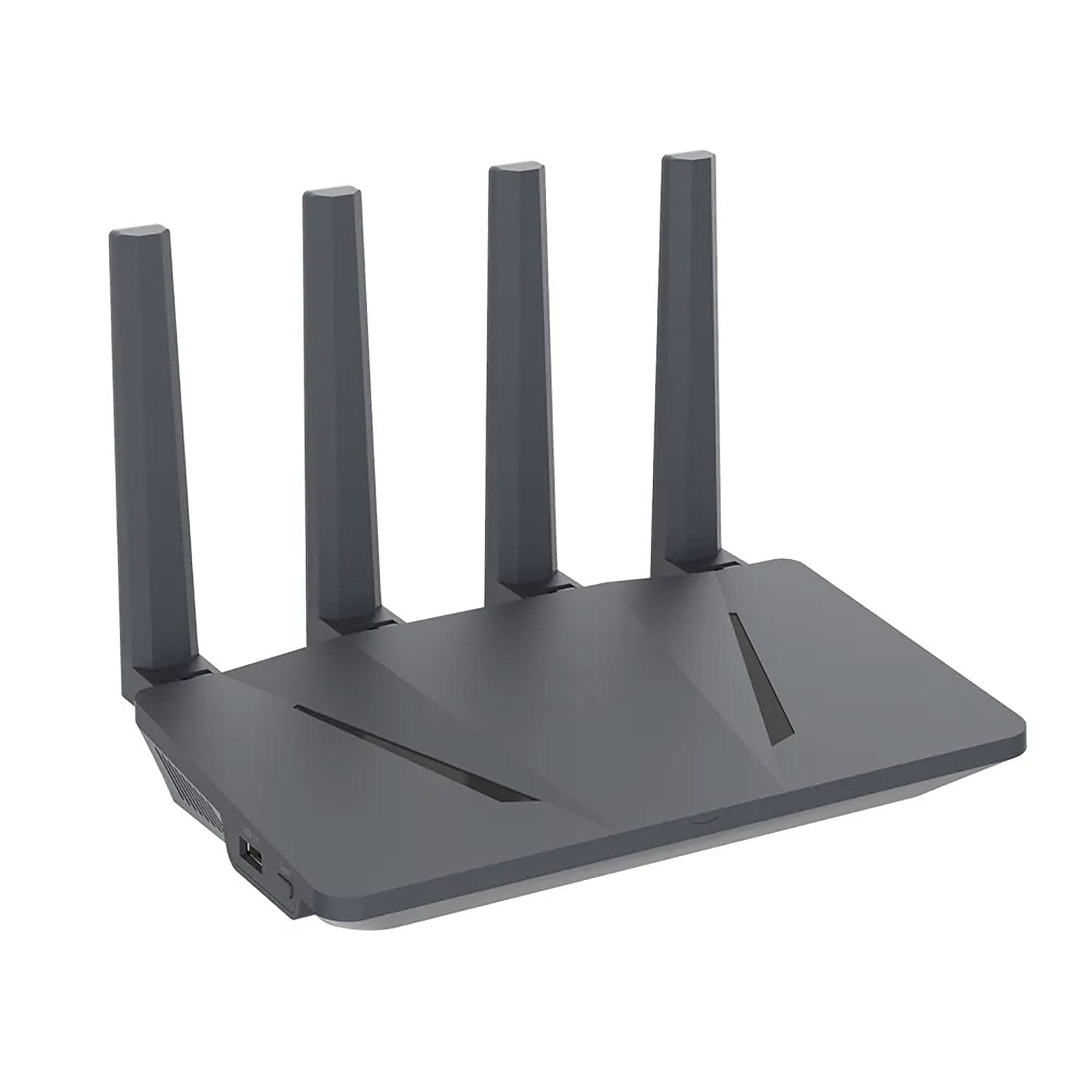
CryptHub V1 Home VPN Encrypted Router
CryptHub V2 Portable 4G VPN Encrypted Router
CryptHub V3 Portable 4G VPN Encrypted Router
Frequently asked questions
Is a free VPN safe to use?
No. Free VPNs have to make money somehow, and that “somehow” is almost always your data. Hola VPN sold users’ bandwidth as a botnet. Facebook’s Onavo VPN harvested all browsing data. Many free VPNs inject ads, track your activity, and sell it to third parties. If you’re not paying for the product, you are the product. Use Mullvad or IVPN — both cost around €5/month and have been independently audited.
Can my ISP see that I'm using a VPN?
Your ISP can see that you’re connected to a VPN server and how much data is flowing. They cannot see what’s inside the tunnel — no website URLs, no content, no DNS queries (if properly configured). Some ISPs throttle VPN traffic; using WireGuard on port 443 can help avoid this. For full ISP blindness, configure the VPN at the router level so all household traffic is encrypted, not just one device.
Do I still need a VPN if I use GrapheneOS?
Yes, absolutely. GrapheneOS protects your device and controls what apps can access. A VPN protects your network traffic from your ISP, public Wi-Fi snoopers, and anyone monitoring the connection between you and the internet. They solve different problems and work best together. On GrapheneOS, set Mullvad or IVPN as always-on VPN with “Block connections without VPN” enabled for maximum protection.
A VPN is the start — not the finish line
A VPN is a useful tool. We’re not telling you to stop using one. But if it’s the only thing standing between you and surveillance, you’re exposed in ways you probably don’t realise.
Real privacy isn’t one app or one subscription. It’s layers — encrypted DNS, a hardened router, a secure operating system, smart browsing habits, and yes, a trustworthy VPN. Each layer catches what the others miss.
Start by switching to a VPN you can actually trust. Then work through the steps in this guide. You don’t need to do everything today — but do something. Because the VPN icon on your screen is not the shield you think it is.
Build the layers. Start with the foundation.